

ADR can rescue a noisy line, clarify wording or replace an unusable performance. It can also make a scene feel disconnected when the new voice has the wrong timing, energy or acoustic perspective. Start with the exact picture version and a clear reason for replacing the line.
What is ADR in film
ADR stands for automated dialogue replacement. Actors re-record lines against picture, and the selected takes are edited into the soundtrack. Avid describes the role of dialogue text, cue numbers, timing and performance notes in its ADR cueing overview.
“Automated” does not mean the performance is solved automatically. Someone still needs to judge the words, breath, intention, timing and transition into the surrounding sound. A line can fit the visible mouth movement and still feel emotionally wrong.
ADR versus dubbing voice-over and Foley
| Task | Primary material | Review question |
|---|---|---|
| ADR | A replacement dialogue take fitted to picture | Does this line belong to this performance and scene |
| Dubbing | A version of the dialogue, often in another language | Do meaning, performance and timing work in the new version |
| Voice-over | Narration or another spoken layer | Does the delivery support the edit |
| Foley | Performed sound for actions and objects | Does the contact and material read correctly |
For localization, use the AI dubbing workflow. For object and movement sound, use the Foley spotting exercise. Keep these tracks separate so one revision does not accidentally replace the others.
Build a frame-based ADR cue sheet
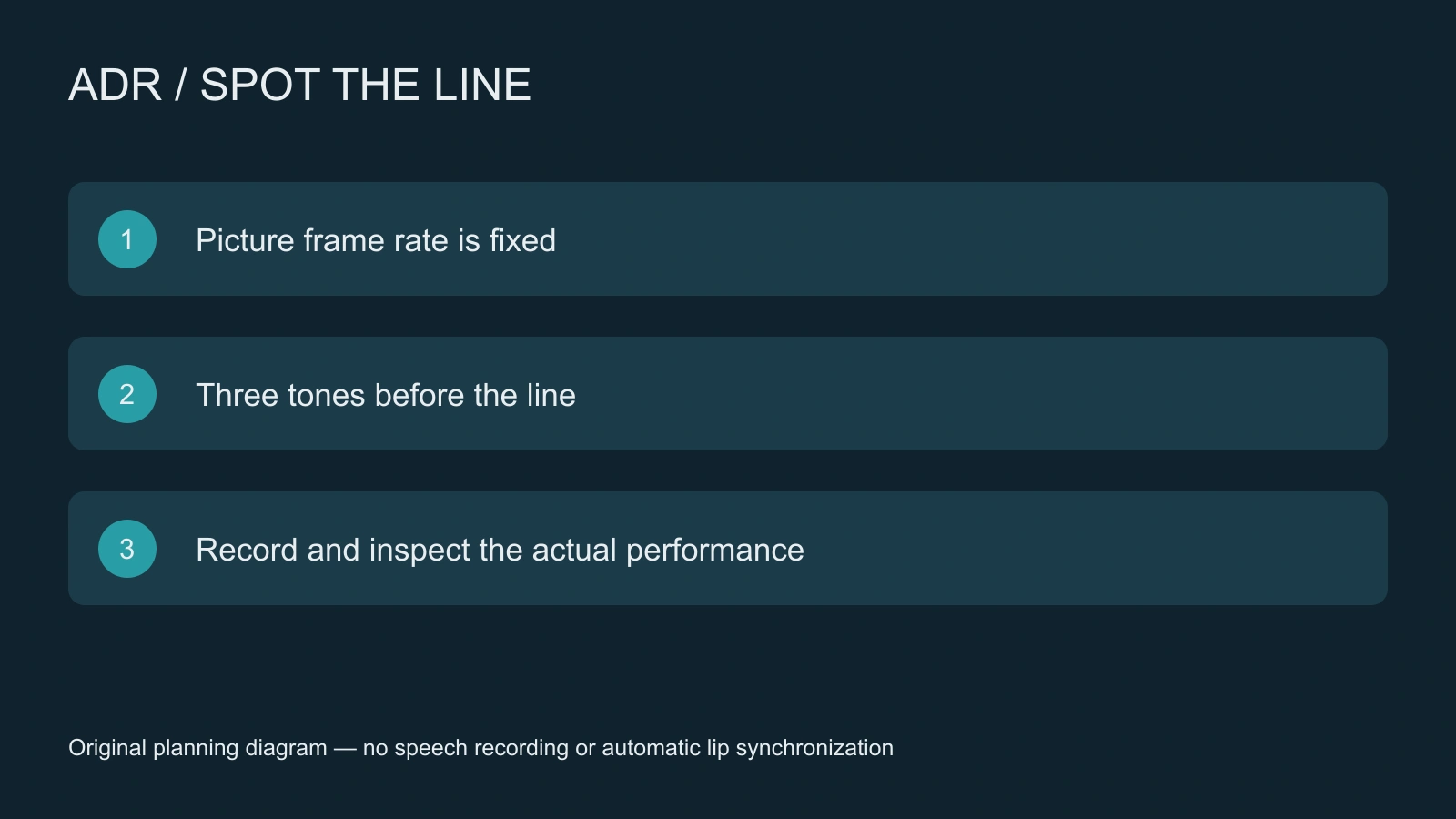
- Lock the reference picture version and record its frame rate.
- Mark the first frame of the intended line and give it a cue ID.
- Write the exact line, speaker, reason for replacement and performance direction.
- Record several takes against the same reference rather than changing the timing target mid-session.
- Inspect the selected take in the scene with the neighboring dialogue and background sound.
The free planner above uses a zero-based relative timeline with integer 24, 25 or 30 fps. At 24 fps, frame 96 is four seconds from the beginning. The three count-in tones start at frames 24, 48 and 72, one second apart. The line starts where the next beat would fall; there is no fourth tone over the line.
Download the CSV and WAV together. The CSV includes frame, frame rate, relative timecode, seconds and cue text. The WAV is 48 kHz mono PCM 16 bit with 80 ms synthetic tones. These are planning files, not a DAW session, broadcast timecode file or synchronization guarantee. Fractional and drop-frame rates are deliberately unsupported.
Hear the original count-in exercise
Start at a low listening level. The file contains no dialogue. Download the three-beep WAV and inspect the timing manifest. A count-in can help prepare a take, but judging the performance still requires the actual reference picture and recorded voice.
A replacement-dialogue pilot for an AI short drama
Use a fictional archive scene with the line “Keep the case closed.” The character says it after noticing another person's hand near the latch. The purpose is caution, not a shouted command. Keep the line text and intended emotional beat fixed while comparing takes.
Build the visual scene in Clout AI Cinema and review the returned picture before planning the replacement line. If the visible action changes substantially, update the cue instead of forcing the old timing onto a different shot. An AI-generated clip can drift within the shot, so inspect the mouth and hand action throughout.
For an authorized synthetic voice, use a supported voice workflow and inspect the actual result; a text script or timing CSV does not create speech. If an operation changes lip movement, compare the whole face and scene continuity. This page does not establish that Clout imports this cue file or runs an ADR session automatically.
Match the take to the scene
Listen to the replacement line next to its neighbors before applying a chain of effects. Compare vocal effort, pace, distance, room character and the way the final word ends. Keep breaths and pauses when they serve the performance. A perfectly clean close-mic line may need careful integration into a more distant scene.
Use room tone to understand background continuity, and preserve a separate ambience layer. Do not fill every pause with loud noise just to hide an edit. Keep the guide track, raw takes and selected edit traceable so a later picture change can be conformed cleanly.
Review the final replacement against picture
Watch at normal speed, then inspect difficult consonants, breath starts and shot boundaries. Check that the line begins on the intended cue, that edits do not click and that the sound perspective remains plausible when the camera changes. Listen on headphones and the intended delivery device.
Record accepted take ID, picture version and export path. If no take meets the scene, mark it rejected with a timestamp and a specific reason. A count-in that lands on the correct frames proves timing arithmetic; it does not prove the replacement dialogue works dramatically.


