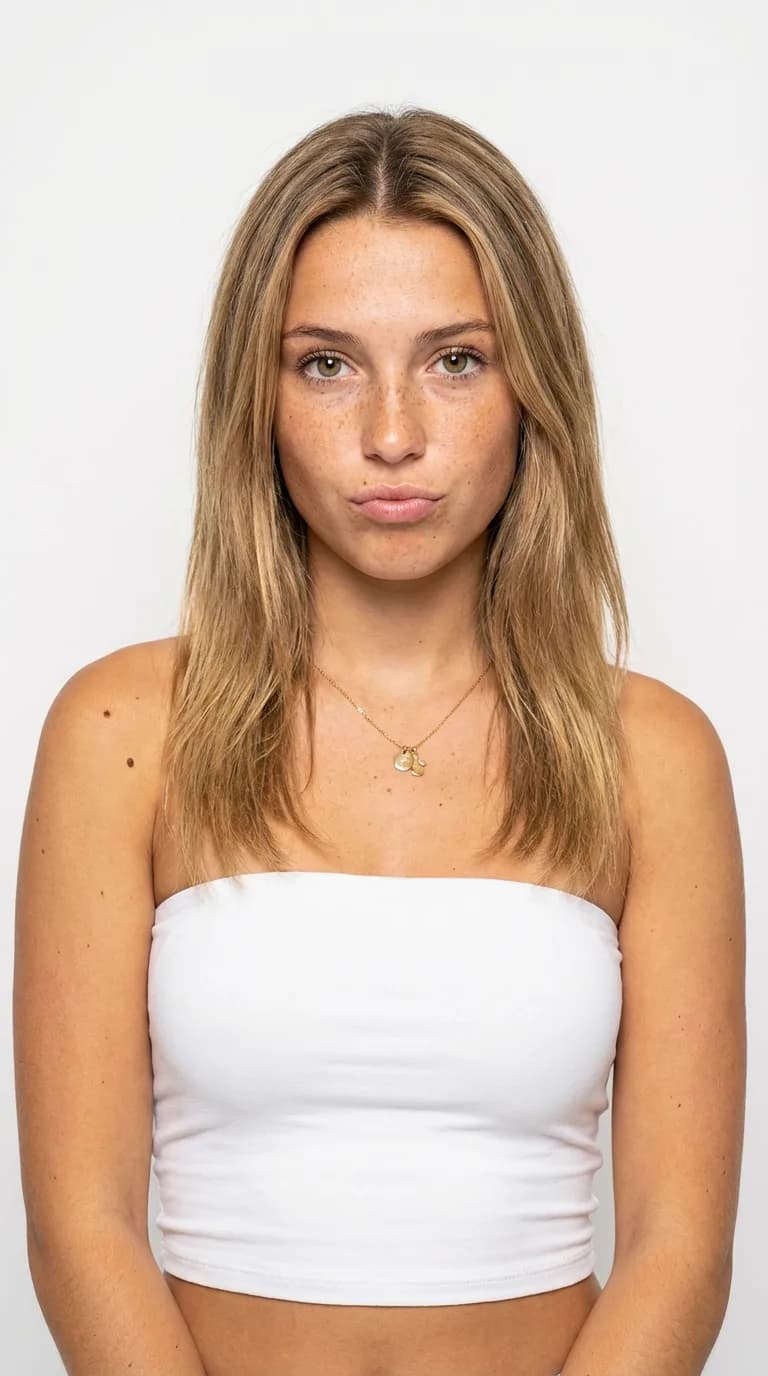
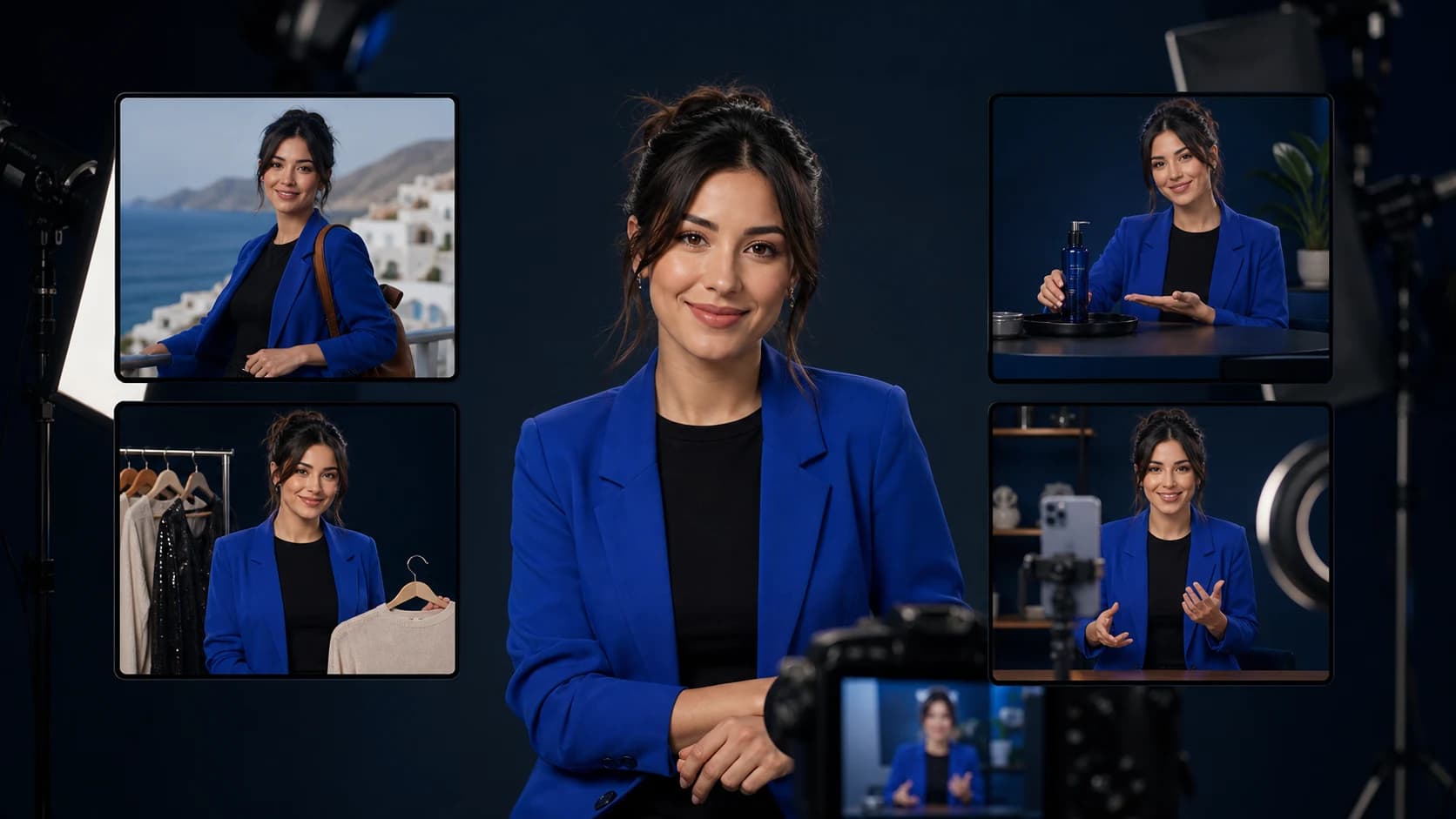
If your starting point is “i want to create a a.i. influencer,” your first deliverable should be a small, recognizable content batch. Build one character people can identify and give that character something useful to say. You do not need to launch on three platforms or produce a month's worth of video today.
This page is a beginner starter kit: one filled-in brief, one generated visual example, six post concepts, and a review sheet you can use before spending more credits. For the broader launch, growth, and monetization process, use our complete AI influencer creation guide.
Choose your first deliverable
A single portrait tests the look. A small batch tests whether you can reuse it. Start with the smallest output that answers your actual question.
| Your goal | Make first | What to check |
|---|---|---|
| Explore a character idea | A front portrait and a three-quarter view | Would you recognize the same person without the name? |
| Launch an Instagram profile | A profile crop and six useful post concepts | Does the grid communicate one audience and content promise? |
| Make a TikTok or Reel | One approved still and one short action | Does identity survive through the middle and ending? |
| Make brand creative | One authorized product scene | Does the product remain accurate, with no invented testimonial? |
We will use a fictional outfit-formula creator named Maya. Her audience wants everyday looks built from clothes they already own. That gives every post a job beyond showing another attractive portrait.
Write a character brief you can actually reuse
Choose a name, a clearly adult age, a narrow audience, and a few stable visual traits. Keep the scene separate from the identity. A cafe is a scene; the face and hair should not change when you leave it.
Filled-in brief: Maya is an original fictional 28-year-old virtual creator sharing everyday outfit formulas. Her fixed identity is an oval face, warm brown eyes, medium olive skin, and dark brown shoulder-length wavy hair with a center part. Her baseline outfit is an ivory crew-neck T-shirt and dark blue jeans, with small silver hoops. She explains one styling decision per post in a calm, practical voice. She is openly AI-created and does not claim real purchases, travel, professional credentials, or personal product experience.
Copy the structure, then replace the example. An original character can look very different from Maya; what matters is that you can describe what stays fixed.
- Audience: who should save or share a post?
- Promise: what will each post help them do?
- Fixed identity: face, apparent adult age, hair, proportions, and recognizable details.
- Variable scene: pose, clothing, setting, light, and props.
- Voice: one concrete rule, such as “explain one choice without hype.”
Download the editable character brief, prompts, and review sheet. This is a plain-text working document, so you can use it in any notes app.
Create and save one reference identity
In Clout, open your workspace's character creation flow, describe the idea, review the character settings and preview, and name the character before creating it. Keep using that saved character for subsequent media. Account access, available models, and generation costs depend on the current offer; check the displayed cost before confirming a generation.
The brief above is production guidance, not a promise that every character setting or model accepts identical wording. For a tool that accepts a text portrait prompt, start with this:
Reference portrait prompt: Editorial chest-up portrait of an original fictional adult woman, age 28, with an oval face, warm brown eyes, medium olive skin, dark brown shoulder-length wavy hair with a center part, and small silver hoop earrings. Ivory crew-neck T-shirt. Front-facing view, relaxed expression, natural window light, warm gray background, realistic skin texture. No text, no logos, no celebrity likeness.
Approve the face before adding complex poses. Save the unedited source and the brief together. When your tool supports saved characters or image references, use that feature; repeating a name in a prompt does not bind the model to a specific face. See the same-character guide if a second image starts looking like a new person.
Inspect the six-image worked example
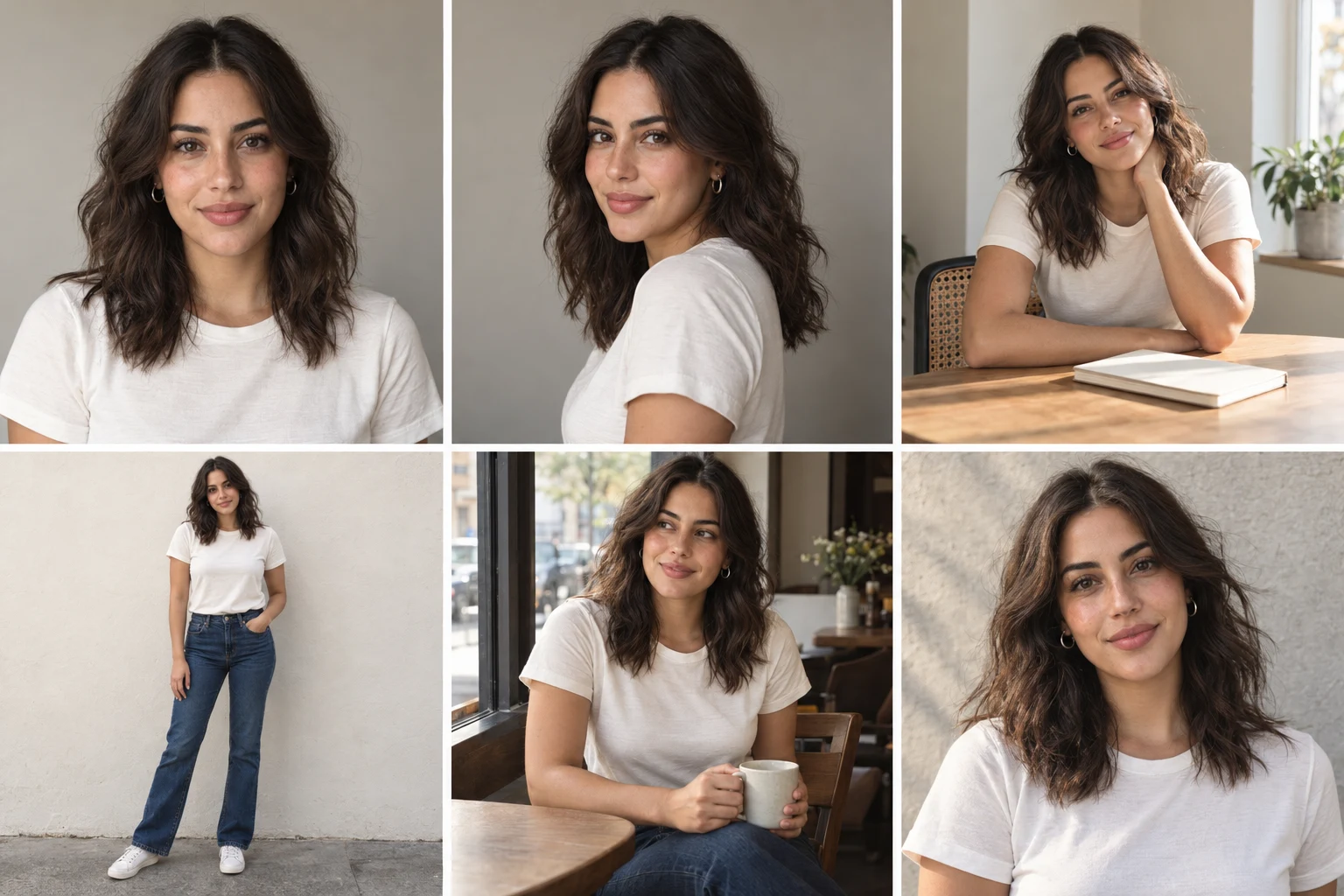
The top row shows front and three-quarter portraits plus a desk scene. The bottom row shows a full-body view, a cafe scene, and an outdoor portrait. The face, dark wavy hair, and baseline wardrobe remain broadly recognizable. The full-body panel is too distant to verify small facial details; use the closer views for that check.
The cafe panel adds a cup, and the desk pose puts a hand near the face. Those introduce extra things to inspect. A cohesive contact sheet does not prove that independent images or a moving clip will match. Review your own separate exports before approving a production workflow.
Download the exact prompt used for this illustration. It requested one six-panel sheet. The portrait prompt above is an individual-shot starting point and was not independently tested here.
Turn the identity into six useful posts
Keep the first batch simple: one creator, one audience, and one idea per post. Use a saved-character or reference workflow for each scene. These are planned content examples, not measured high-performing posts.
| Post | Scene direction | Useful opening line |
|---|---|---|
| Introduction | Clean portrait with room for a caption | Three outfit formulas using one white T-shirt |
| Baseline look | Full-body tee and jeans against a plain wall | Start here before adding another accessory |
| One change | Same framing, add one permitted jacket reference | One layer changes the shape of this outfit |
| Planning tip | Desk scene with a plain notebook | Plan tomorrow's outfit around one piece |
| Occasion variation | Seated cafe scene, same core outfit | What I would change for a casual meetup |
| Audience question | Simple outdoor portrait | Which piece should the next formula start with? |
Write the educational caption yourself and check that the image supports it. Do not describe generated clothing as an exact retailer item unless you have verified the garment and representation. Avoid “I bought this” or “I wore this yesterday” for an event that never happened.
Scene prompt pattern: Use the saved Maya character or approved reference image. Preserve her face, apparent adult age, hair, and proportions. Show [one scene] in [framing], wearing [outfit], with [one action]. Use [lighting]. Keep the background simple. No text or logos.
The brackets tell you what to change. For a first cafe shot, use “seated near a cafe window,” “waist-up,” the baseline outfit, “looking toward the window,” and “soft daylight.” Prompt wording can guide a model; it cannot guarantee identity preservation.
Reject weak outputs before buying more generations
Compare exports side by side. A close-enough face can become an entirely different creator over a feed. Keep a rejected-output folder so your cost calculation includes the attempts you did not publish.
| Problem | Check | Next action |
|---|---|---|
| A new face appears | Compare eyes, nose, jaw, and hairline with the reference | Return to the saved identity and simplify scene changes |
| Hands or props look wrong | Inspect fingers, grip, scale, and contact points | Use a simpler pose or repair that region before export |
| The outfit changes unexpectedly | Compare sleeves, neckline, seams, and accessories | Specify one wardrobe change and hold other variables fixed |
| A post looks nice but says nothing | Read the caption without the image | Add one concrete tip, example, or question |
| A video drifts midway | Watch the entire clip, not just the thumbnail | Reduce movement and retry from an accepted still |
For repair examples, use the AI hand troubleshooting guide. Do not accept a flawed product scene simply because its portrait looks convincing.
Budget by accepted outputs
There is no universal price for creating an AI influencer. A still portrait, character creation, and video can have different costs. Trial limits, watermarks, commercial rights, and renewal terms also differ. Check Clout's current pricing and the generation cost shown in your account instead of assuming a free-start button includes unlimited production.
Record the cash spent, credits consumed, number of attempts, and usable outputs. Hypothetically, a $20 test that produces six accepted images costs $3.33 per accepted image. That is arithmetic, not a Clout plan price or a measured result. If you subscribe for a full month, account for the subscription you actually paid rather than dividing only a nominal credit allowance.
Set a budget before generating and stop the batch if the character still changes after repeated reference-guided attempts. Fix the reference or workflow before scaling to 30 posts. You can validate the content concept with stills before adding video costs.
Add a short video only after the stills work
Start with an accepted image and one restrained action. A first video brief could be: “Preserve the reference identity and outfit. Seated by the window, she turns her gaze toward the camera. Fixed camera, soft daylight, no scene change.” This is an untested prompt example; model settings and duration controls vary.
Watch the start, middle, and ending for face drift, unnatural fingers, cup distortion, and unwanted background movement. Add captions during editing so you can control spelling and placement. Use the AI influencer video workflow for a full motion review.
Publish a transparent profile and review the first week
A suitable example bio is: “Maya — virtual creator sharing everyday outfit formulas. AI-generated visuals, human-written tips.” A bio gives context but does not replace any platform upload labels.
TikTok's official guidance requires labels for realistic AI-generated media. YouTube's disclosure guidance covers realistic, meaningfully altered or generated content. Use the current platform controls and check the rules before publishing. Keep permission records for any real likeness, voice, product asset, or music you use.
For a first-week test, publish an introduction, one useful formula, and one variation; keep the other concepts ready to revise. This is a suggested experiment, not an algorithm requirement. Record saves, shares, profile visits, and comments that ask for another example. If you get little response, improve the audience promise and opening line before making more portraits.
Do not project income from a small test. Monetization also requires audience demand, acceptable content, platform eligibility, and a suitable offer. The content calendar guide helps expand a format once you have a reason to repeat it.
Your first-batch checklist
- One original adult character with a saved reference and written brief.
- One audience promise that generates distinct useful post ideas.
- Six scene concepts and only the outputs that pass identity and artifact checks.
- A transparent bio plus the required upload disclosures.
- A record of spending, rejected attempts, and accepted exports.
- A first-week review that tells you what to change next.
Use the starter kit to run the exercise, then return to the complete creation guide when you are ready to plan a larger launch.