LayerEditor is research into editing an image while producing reusable RGBA layers. For a creator or product campaign, the practical question is whether the returned pieces support the next edit, not just whether one flattened picture looks convincing.
This guide uses an original downloadable poster pack to review that question. The pack is authored raster geometry rather than a LayerEditor output. We did not run the model, reproduce its benchmark or confirm an official runnable checkpoint from the primary paper.
Understand the research boundary
The primary LayerEditor paper describes joint editing and ordered RGBA outputs. It treats the directly generated edited canvas as a separate output from the layer stack. Its compositional training uses a frozen editing teacher to help retain editing capability while adapting to layered outputs.
Those research concepts are not installation instructions. We did not confirm an own-project code or checkpoint link in the inspected paper. Verify any later release, its authorship, dependencies and terms before following a runtime recipe. Search volume, difficulty and virality for LayerEditor remain unverified; a paper engagement snapshot is not search demand.
Write the next revision before evaluating the pack
Give the reviewer a concrete job. An original campaign might need the product moved, a translucent seal recolored or a headline replaced. Those jobs require different independent elements. A layer list with attractive thumbnails can still fail if the product is duplicated across components or the wording is baked into its background.
Keep the accepted source, intended edit and expected target together. State what should change and what must stay fixed. For example, changing a promotional seal should not silently alter the bottle silhouette, background lighting or approved product markings. Evaluate the actual returned files against that brief.
Separate a model’s predicted or generated result from a human production decision. This original review workflow can be applied to a future released model or to an ordinary editing handoff. It is not evidence that a particular model has completed the job.
Keep the Direct canvas outside the layer stack
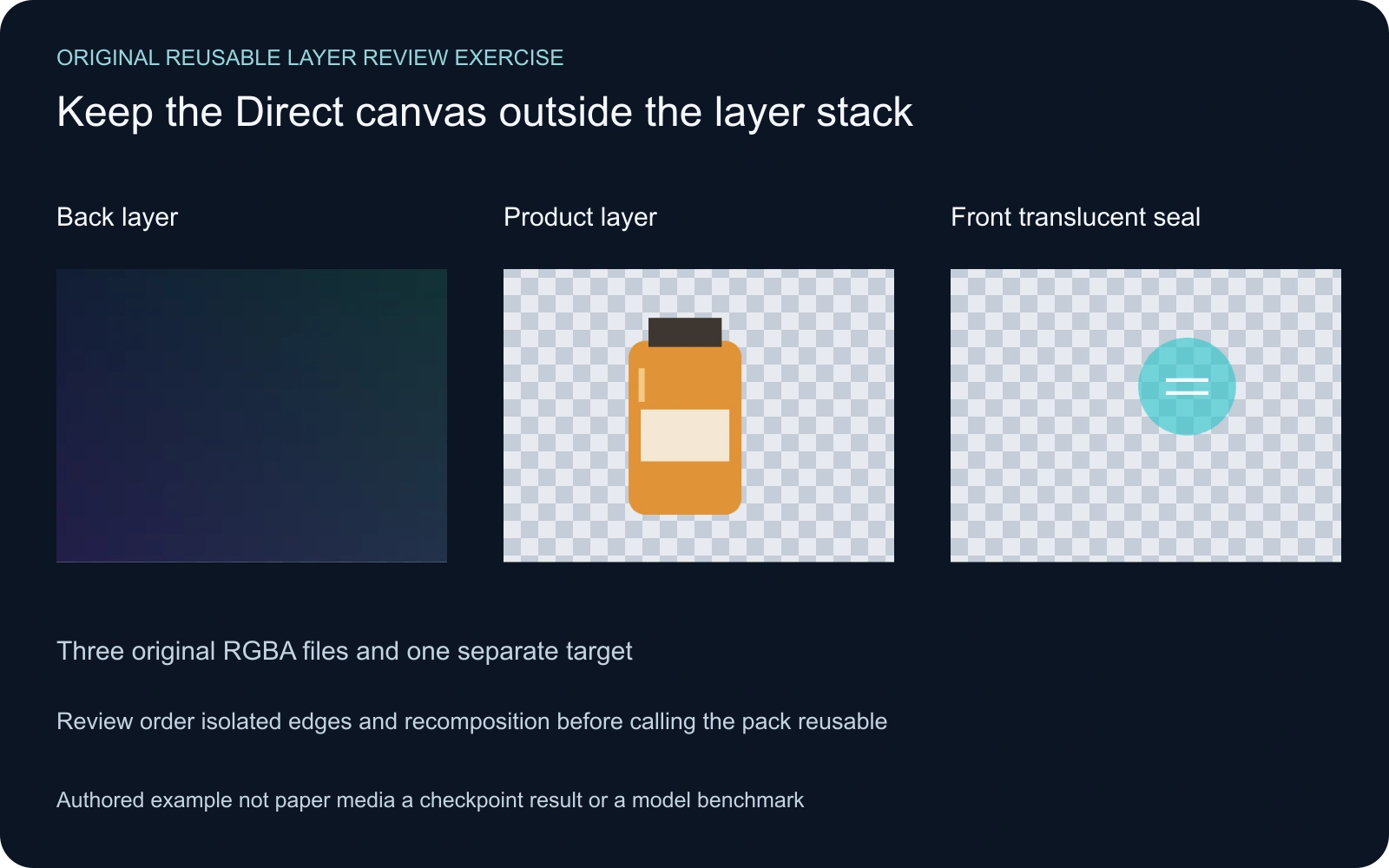
The paper specifies back-to-front layer order and keeps the Direct canvas outside that stack. Our exercise makes that distinction inspectable with three original full-canvas PNGs and a separate flattened target. The source-over comparison uses a white background, while its byte-space arithmetic is our declared exercise convention rather than a reproduced model implementation.
Download the original reusable-layer review pack. The background, product and seal are independent rasters. The target is a reference for comparison. Do not add it as a fourth content layer merely to make a reconstruction look correct.
Test the target-cover trap
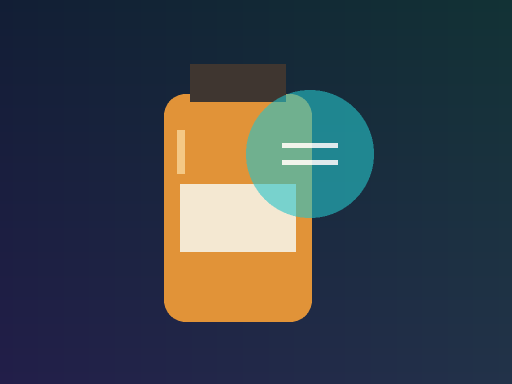
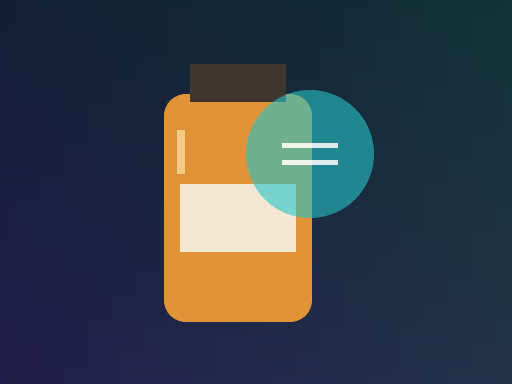
In the correct authored order, the three layers reconstruct the target with zero changed pixels under our comparison. Moving the opaque background to the front changes 42,662 pixels. Covering that broken stack with the flattened target gives zero again, while leaving the underlying order broken.
The first and third pictures therefore match the target for different reasons. One is the intended original composition. The other conceals a bad stack with an opaque reference. A flattened comparison alone cannot establish independent control over the components.
Inspect the correct result, wrong-order result and target-cover result. Their correct-order record and target-cover record keep the layer lists visible alongside the numeric match.
Inspect isolated components before approving reuse
Open each component independently and inspect the entire canvas. Check whether unrelated content has leaked into that layer, whether edges are clipped and whether the element remains complete when moved. A correct visible fragment does not show the unseen area that another element previously covered.
For partial transparency, inspect against contrasting backdrops. A component that looks acceptable on the original dark background can show an unwanted fringe on a light one. Preserve continuous opacity and avoid judging a transparent export solely from a preview with a checkerboard baked into its RGB pixels.
Then perform the planned revision. Move the product or adjust the seal while retaining the other components. Review newly exposed regions and overlaps. A pack that supports that concrete edit is more useful than an unexplained claim that the image has been separated into many layers.
Compare a reconstruction without overreading the score
The free image compositing lab accepts one to six local PNG layers and a separate target. It reports changed pixels and mean absolute RGB byte error on white, then exports the current composite, report and order CSV. It does not call LayerEditor, extract hidden content or certify a native editor document.
The lab requires equal full-canvas dimensions and blocks invalid inputs. Uploaded files are browser-decoded RGBA bytes. Color conversion, alpha handling and high-bit-depth reduction can change those values, so a small measured boundary difference needs inspection rather than an automatic verdict.
Keep a numeric comparison with the exact files it describes. A zero error cannot confirm semantic grouping, editability or factual correctness. A larger error can also result from a wrong reference or different rendering convention. State the observation before drawing a production conclusion.
Keep research results separate from local evidence
The paper reports its own experimental results; we have not independently reproduced those scores or measured runtime. Its reported timings are not a controlled hardware comparison. This guide’s measured findings concern only the original saved poster pixels and the explicitly stated compositor.
For a later runnable release, preserve the exact source revision, weights, inputs, requested outputs and saved files. Check completion and component count before scoring an output. Retain failed or incomplete attempts in the production record instead of presenting only an attractive successful example.
A useful pilot measures the work you actually need to finish: whether the requested revision succeeds, what unrelated content changes and how much manual cleanup remains. Do not substitute a paper headline, a layer count or a reconstructed preview for that end-to-end test.
Use the workflow for an original product scene
Start with an accepted original image from Clout Image and Video or a supported campaign route in Marketing Studio. Keep the brief, source and product references together. Inspect whatever editable assets your selected workflow actually returns.
For rebuilding pieces from a flat image, use the AI layer extraction guide. For alpha interpretation, use the premultiplied alpha lab. Those tasks complement a layer review but do not establish that the original hidden document has been recovered.
The source audit, independent saved-pixel record, original helper and reproduction instructions make this exercise inspectable. The manifest preserves its published assets. All local artwork remains an authored demonstration rather than a model output.