A coming soon image works best when it creates curiosity about something specific. The design can be quiet, dramatic or playful, but the accompanying caption should tell people what sort of reveal to expect and where to find it. A beautiful card with no context can look like an unfinished announcement.
Below are three original AI-generated announcement images, each with a full-resolution lossless original and a high-quality JPEG copy. There are also three separate vector layouts with editable text and colors. All ten resource files are direct downloads without an account. The images are fictional campaign artwork; they are not photographs of a real product, venue or event.
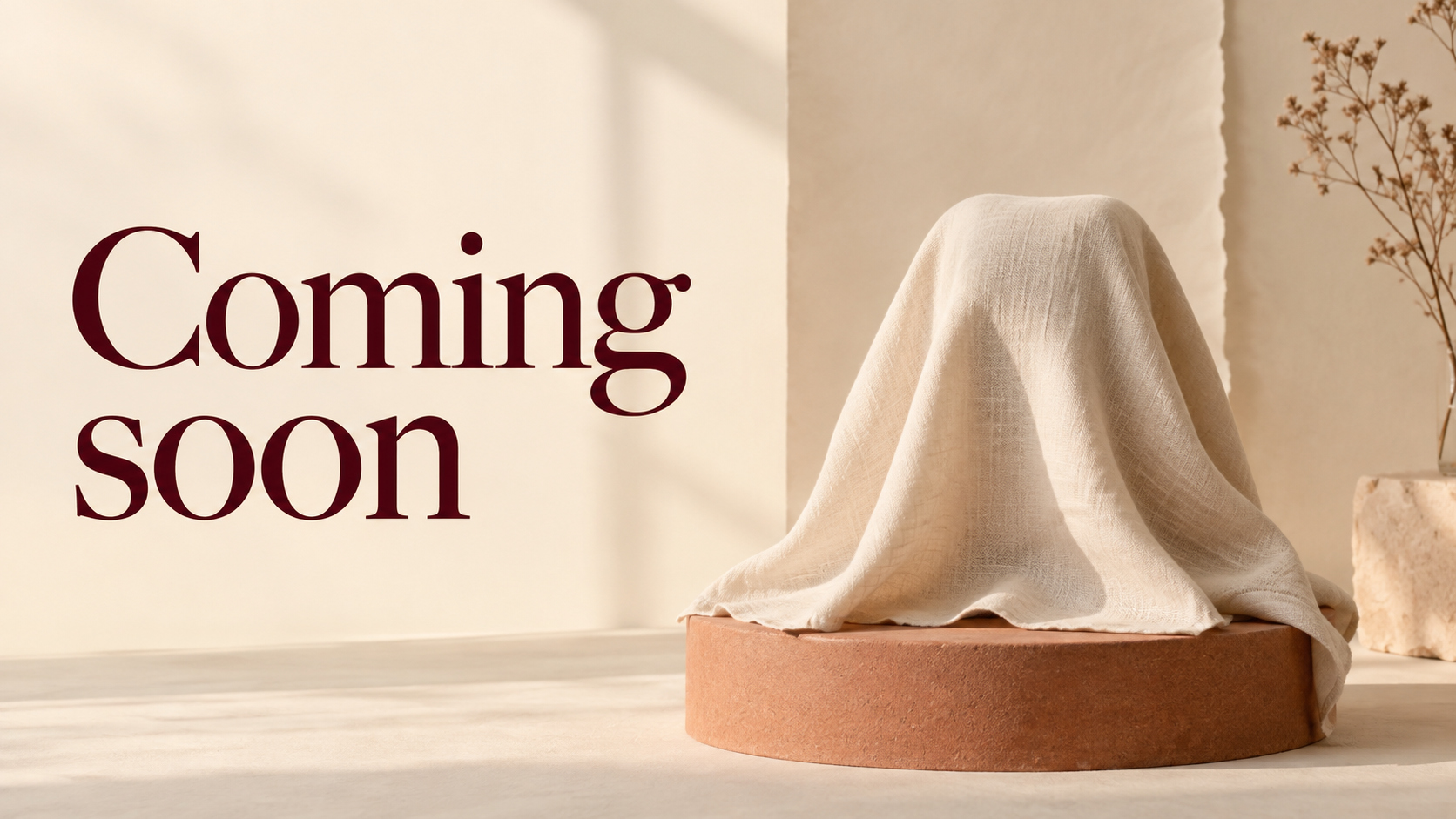
A warm product teaser with a covered silhouette
Original cream-and-burgundy teaser artwork with an unidentified covered object. The concealed shape is fictional and does not establish what your actual product looks like.
Caption idea: A new chapter is on the way — follow for the first look.
Choose the warm scene for a calm, tactile campaign. The fabric and plinth communicate a reveal without inventing a visible product label. If you are announcing a real item, create a new scene from accurate product references before making the covered silhouette part of the product story. This ready-made image is useful as an atmospheric teaser rather than a product specification.
Keep the wording around it simple. Name the category or the reason your audience might care, then give one action. If the date is not confirmed, you can omit it. A deliberately undated teaser is more useful than a promised date that changes immediately.
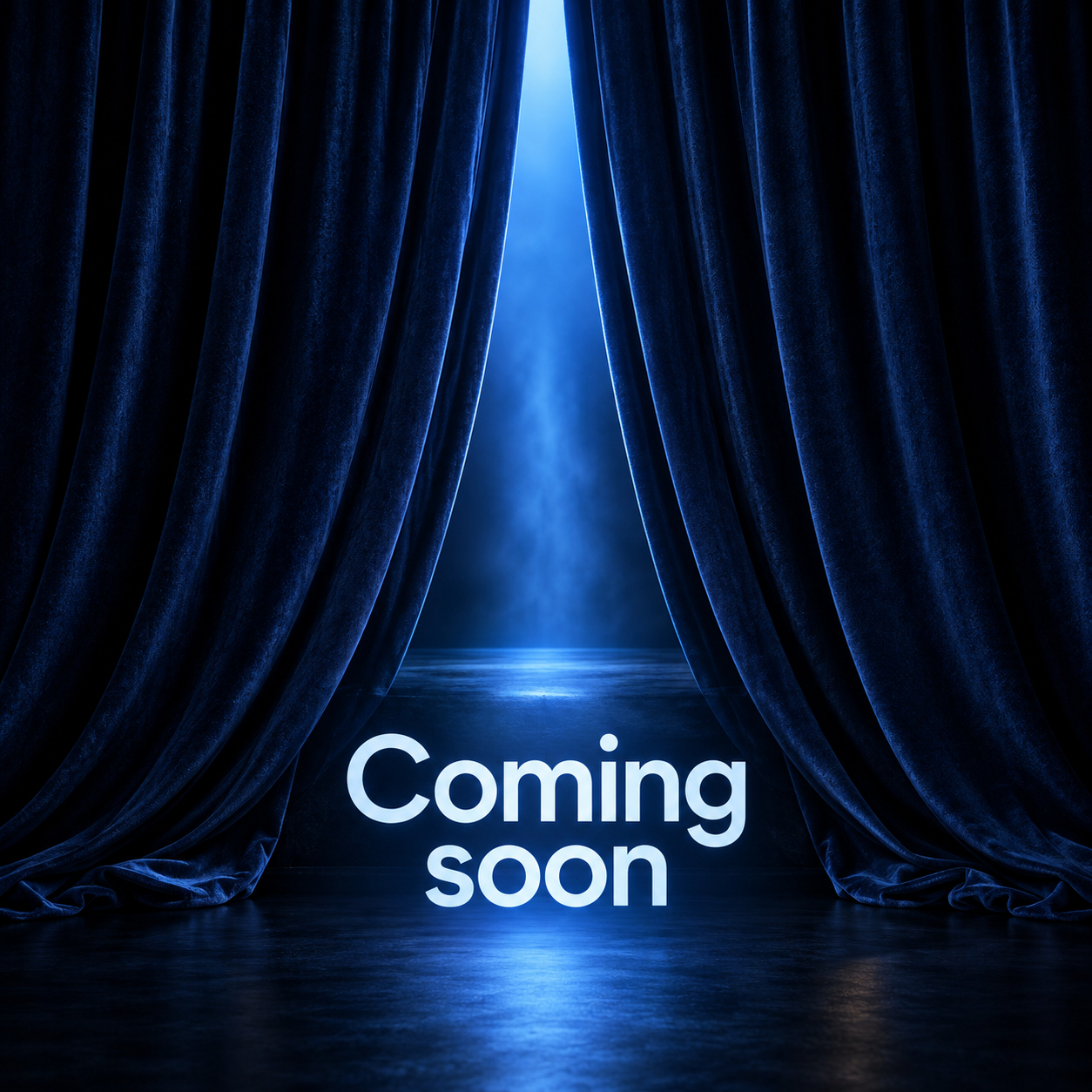
A cinematic blue curtain for a new episode or event
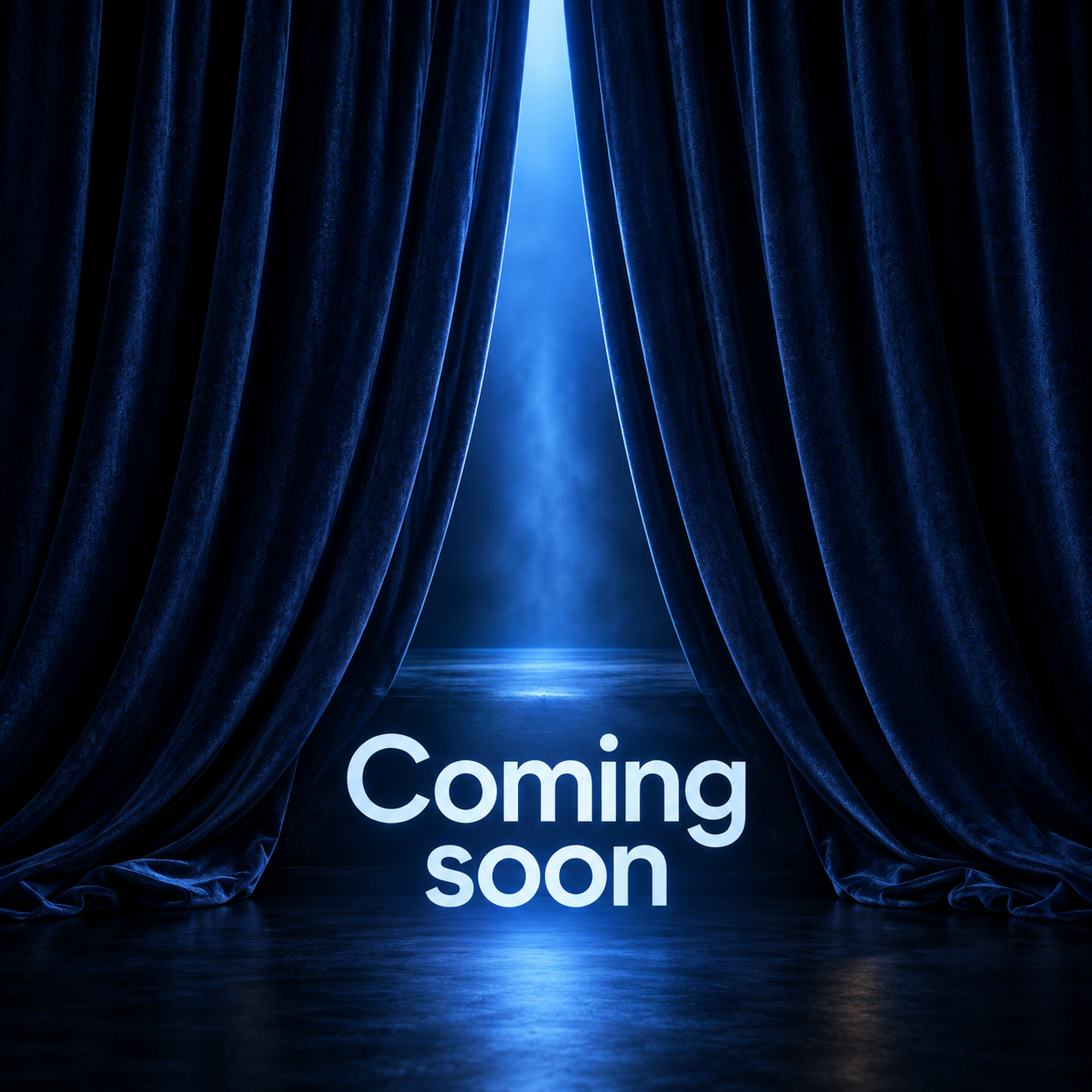
Original midnight-blue curtain announcement with a complete readable headline. A square still image for an atmospheric reveal, not a recording of an actual performance.
Caption idea: The next story is almost ready — the first reveal is here soon.
The curtain creates a sense of anticipation around a story or performance. Use it when your announcement has a dramatic tone: a new episode, a creative project or a planned event. Add the actual title and confirmed event details in the caption or in an editable layout, rather than squeezing extra paragraphs into the open curtain.
A static image and a teaser video are different deliverables. This download is a still card. For motion, develop a separate shot plan: a brief curtain movement, a restrained title reveal and a readable ending. Review the complete export before treating it as a finished trailer.
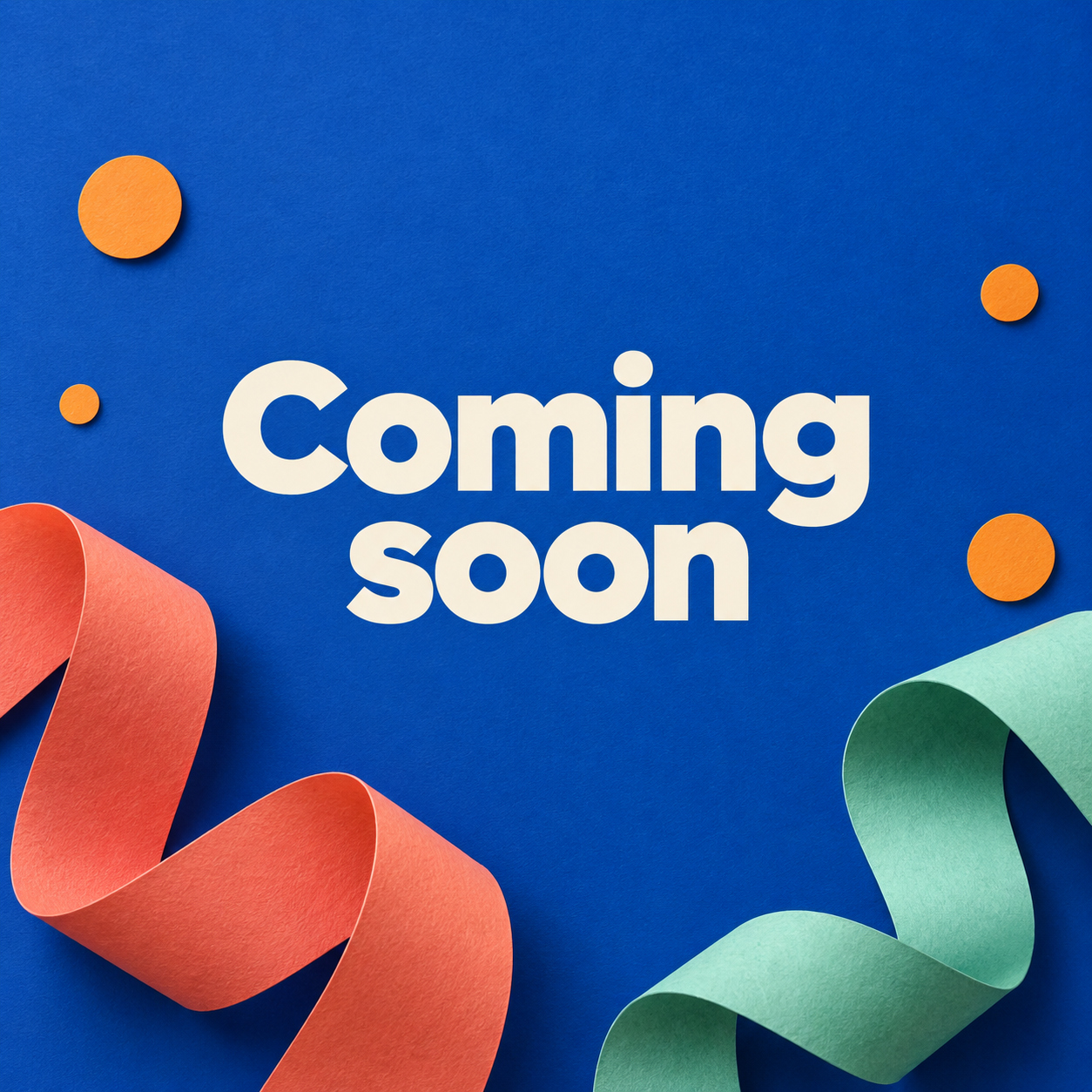
A playful paper design for a friendly launch
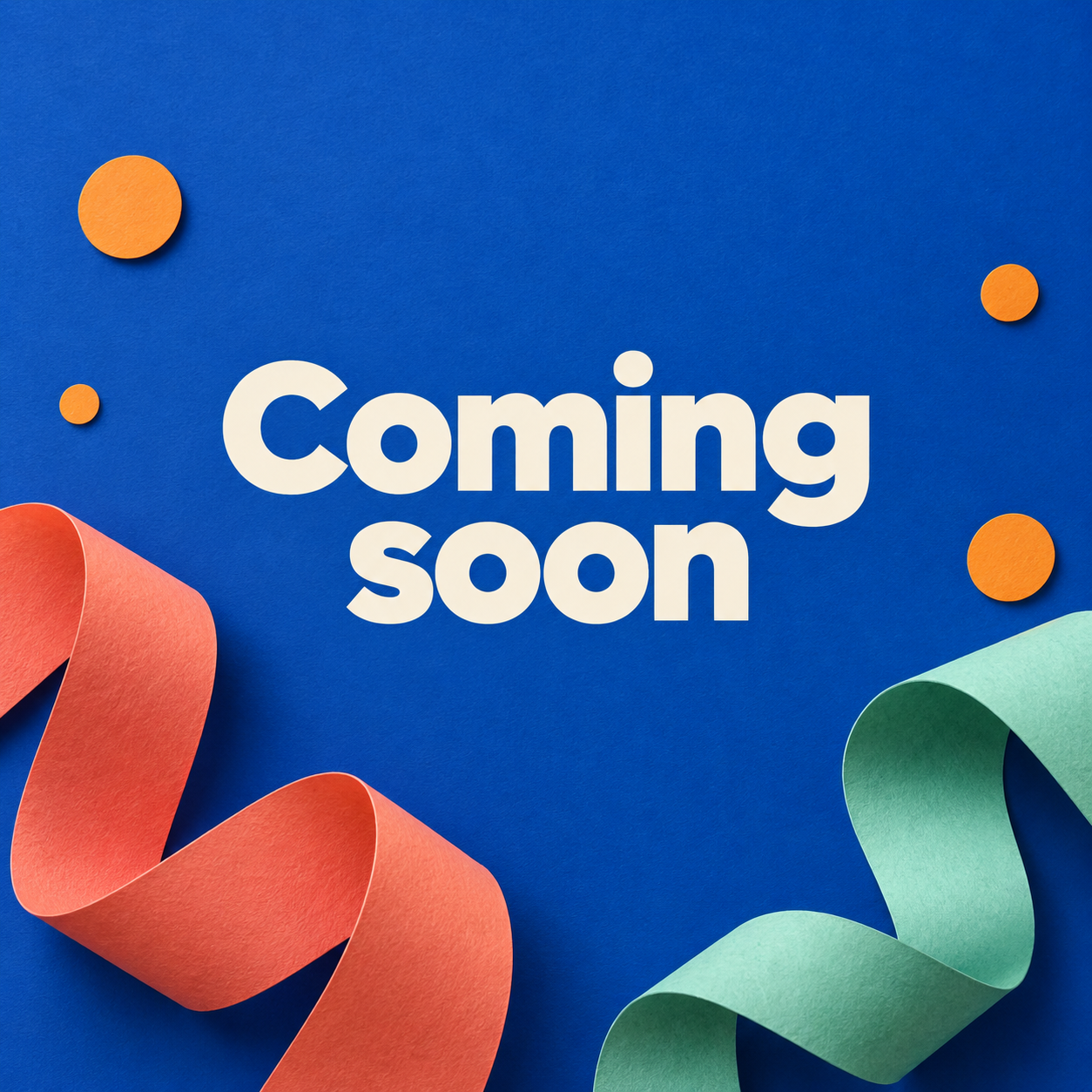
Original cobalt paper-craft announcement with coral and mint shapes. The artwork has its lettering baked into the image; use the separate vector layout below to change the copy.
Caption idea: Something good is next — stay for the reveal.
The playful card suits a cheerful creator project or community announcement. The short headline has room to breathe, and the color gives it a recognizable visual direction. Keep any extra caption in the same friendly voice. A suspense-heavy paragraph would feel disconnected from this bright design.
You can build a campaign palette around the cobalt, coral and mint, then repeat it in the reveal post. Reusing a few visual choices makes the transition feel intentional. Change the actual message when the reveal happens; publishing the same coming soon card indefinitely leaves the audience waiting for an event that never arrives.
Choose the image around the announcement
| Announcement | Suggested direction | Useful next action |
|---|---|---|
| A new collection or creative project | Warm covered-object teaser | Follow for the first look |
| An episode performance or event | Cinematic blue curtain | Watch the reveal on your named channel |
| A community project or friendly launch | Playful paper design | Return for the launch announcement |
These are editorial suggestions, not performance rankings. Match the design to the audience and the specific announcement. If a signup link is ready, name it clearly in the caption and check the destination. If the next action is simply to follow your account, say that rather than implying a waitlist exists.
Download layouts with text you can actually edit
A JPEG or WebP image is flattened artwork. Its letters are pixels, not editable text objects. For custom wording, use one of the original SVG layouts below. Each has separate text elements, vector shapes and a defined canvas. They are complementary typography designs, not layered versions of the generated photographs above.
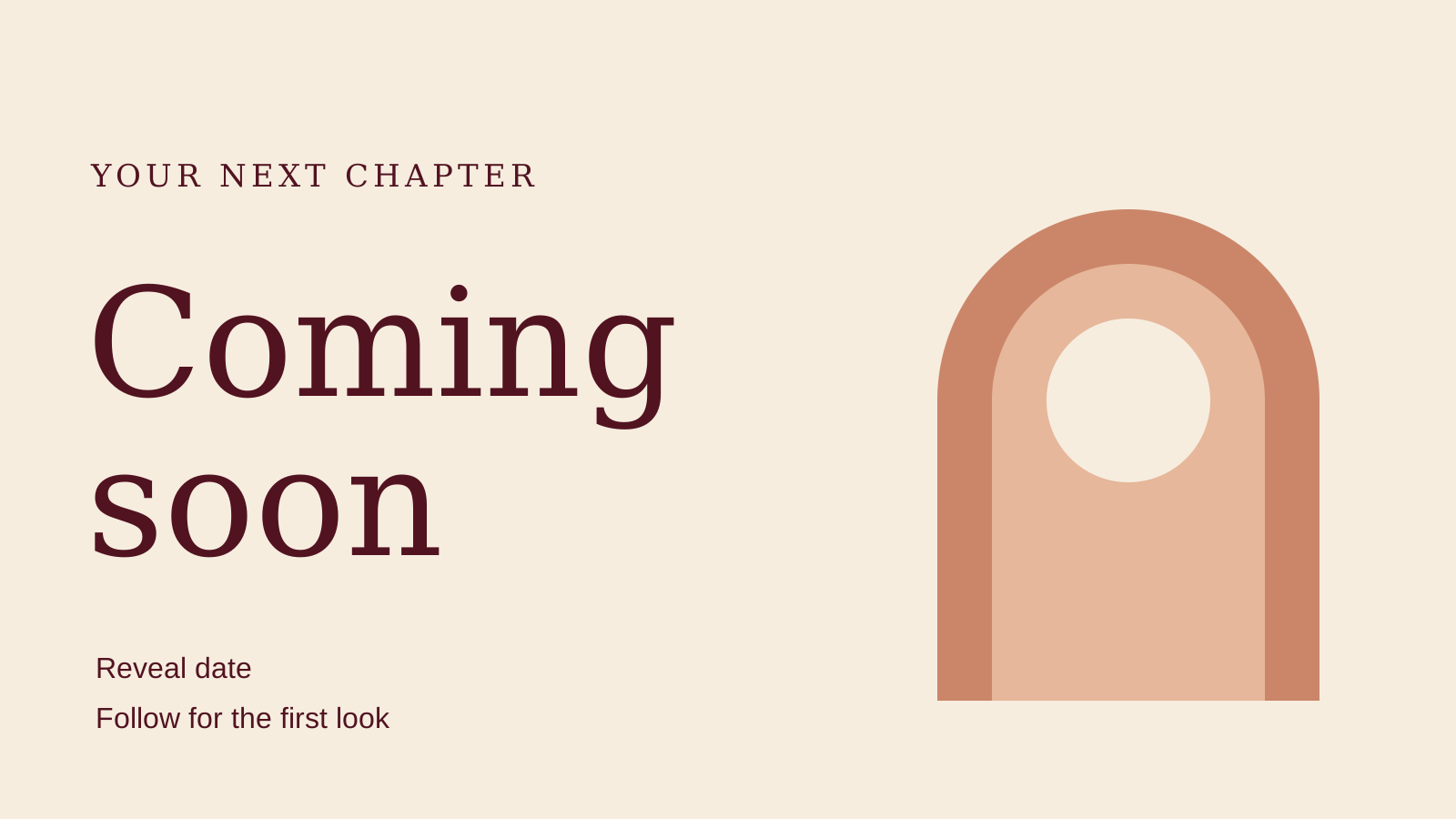
Original editable typography layout with native text and vector shapes. This is a separate design, not an editable copy of the generated photograph.
Download editable SVG layout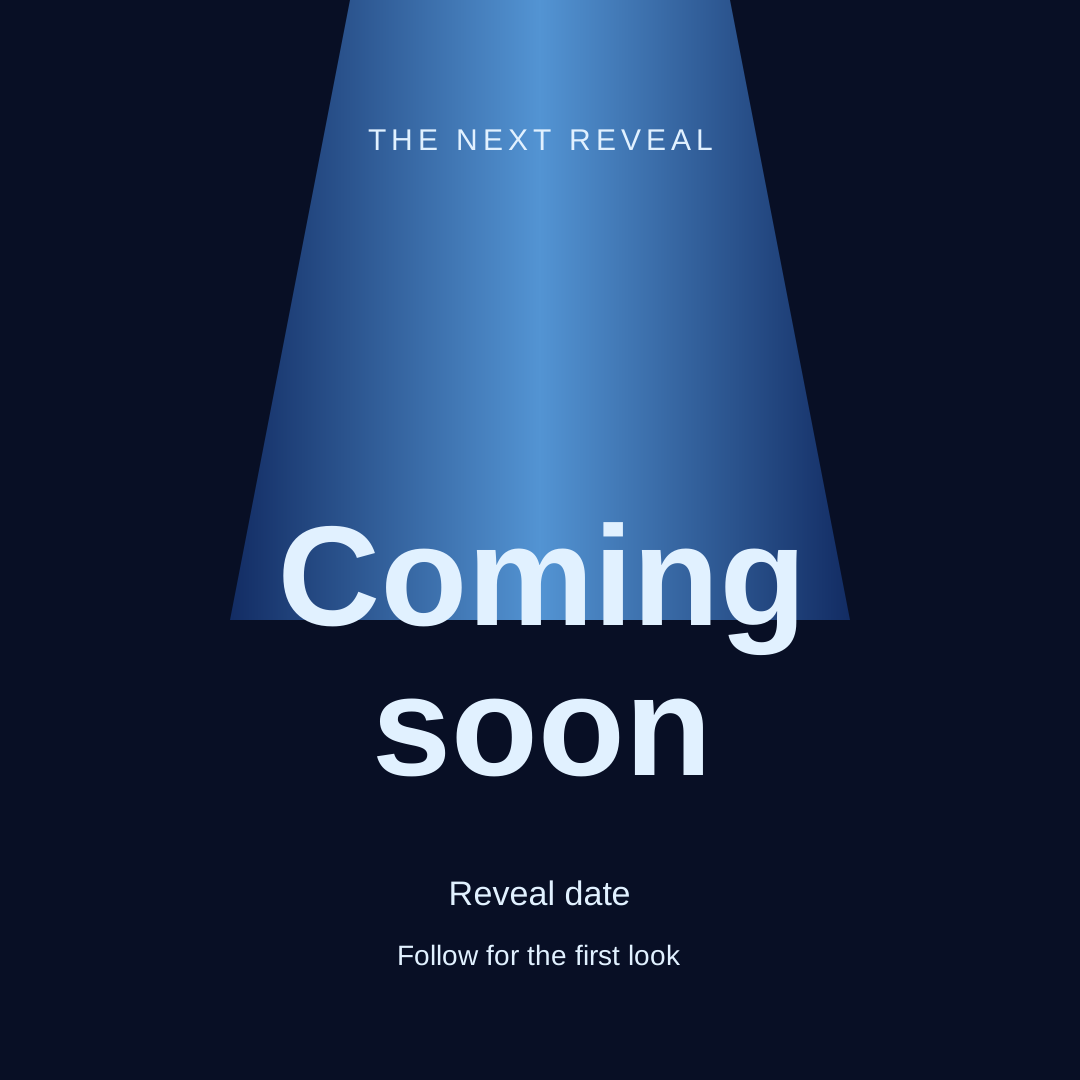
Original editable typography layout with native text and vector shapes. This is a separate design, not an editable copy of the generated photograph.
Download editable SVG layout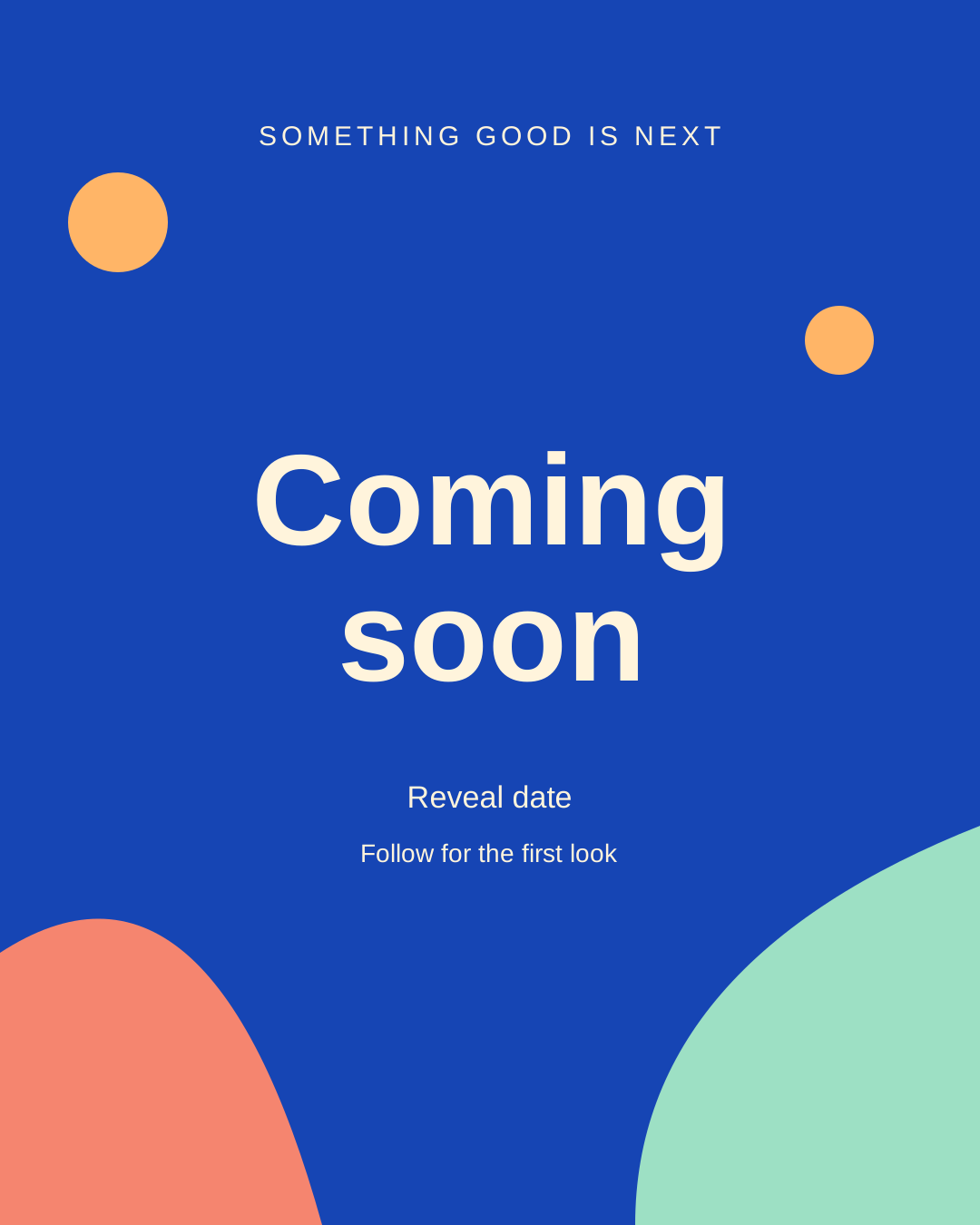
Original editable typography layout with native text and vector shapes. This is a separate design, not an editable copy of the generated photograph.
Download editable SVG layoutDownload the layout editing notes and publication checklist. Open the SVG in an editor that retains SVG text objects. Replace the launch line, the generic Reveal date line and the next-action line. Remove the date if you do not have one, and preview the final export because fonts and SVG support vary by application.
The warm layout is 1600 × 900, the blue layout is 1080 × 1080 and the playful layout is 1080 × 1350. Those are the actual downloadable canvas dimensions, not a promise that every platform displays them without cropping. Export a PNG or JPEG for broad sharing compatibility, then review the destination's preview.
If you need a browser-based alternative, VEED's coming soon template page describes replacing text and photos and exporting announcement posts. That is a separate provider workflow. Our downloads do not require a VEED account or imply a native integration.
Write one message with one next step
Use a short sequence: what is coming, when to expect the reveal if you know, and what the reader should do next. The image already says coming soon, so the caption can supply the useful missing information. Do not fill every available space with the same headline.
- Creator series: A new series about everyday studio life is on the way — follow for the first episode.
- Collection: Our next collection gets its first look on your confirmed reveal date — check the announcement post for details.
- Event: A new event announcement is coming — follow this account for the venue and booking details.
These are original draft captions. Replace generic phrases with your actual project, date and destination. Do not publish wording that suggests tickets or products are available until the linked page supports that action. Preview the caption and image together so they tell one coherent story.
Plan the teaser reveal and follow-up as a set
| Post | What to show | What the audience learns |
|---|---|---|
| Teaser | One visual cue and a short announcement | The category and next step |
| Reveal | The actual creator project product or episode | What it is and where to find it |
| Follow-up | One demonstration detail or useful scene | Why it matters and what to do next |
Prepare the reveal destination before you publish the teaser. Keep the same palette, title treatment and creator identity across the set. The reveal should answer the curiosity you created, while the follow-up gives a concrete reason to keep watching. This is a production plan, not a guarantee of engagement or sales.
Create your launch creator in Clout and generate coordinated photos and videos around the same character. You can introduce the announcement, return for the reveal and make a follow-up scene with that familiar face. Clout creation is a separate product workflow with its current access and billing; these gallery downloads remain directly available.
Check the finished file rather than a screenshot
Use the download link beneath the artwork. The WebP original is lossless and the JPEG preserves the same native dimensions as a high-quality compatibility copy. Save the actual file rather than capturing a screenshot of the page. Inspect the complete lettering and subject after sharing or resizing.
For a taller story frame, place the complete square card on a matching background instead of stretching it. In the editable layouts, keep headline margins and leave room beneath letters with descenders. Make sure replacement text fits: a long collection name needs a new line break or a smaller type size, not a clipped edge.