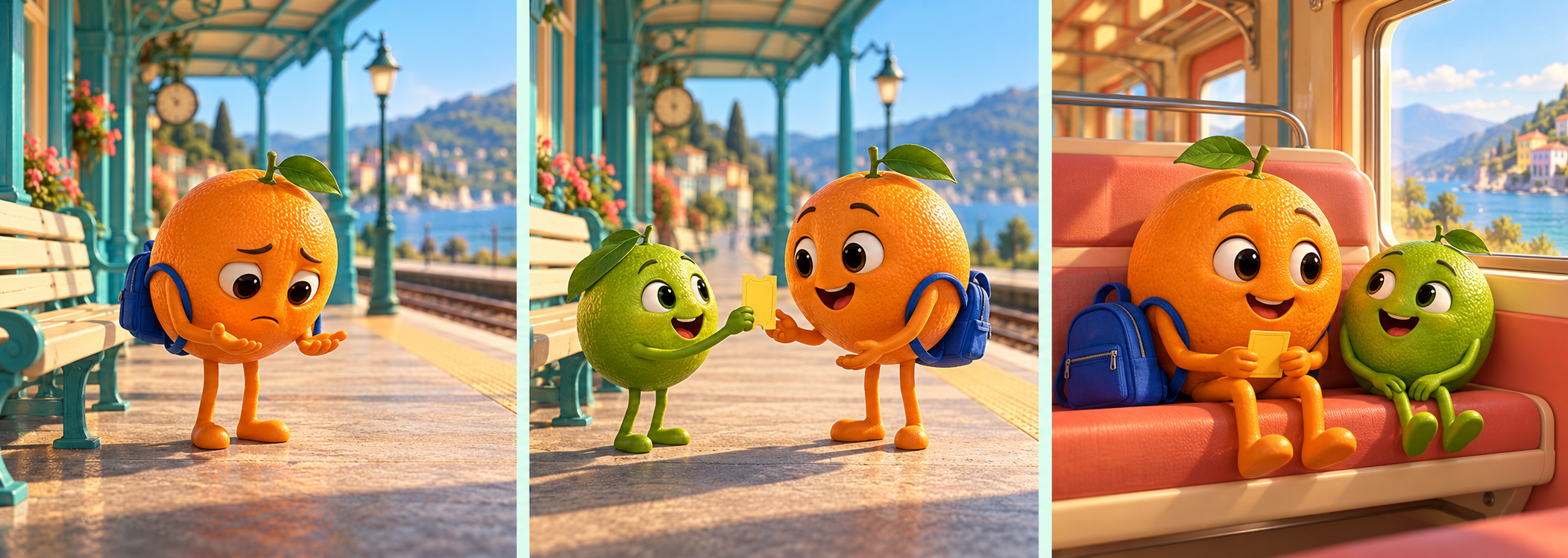
AI fruit stories turn fruit into fictional characters with a problem, a choice and a change. The same format can support a small comedy, a friendship story or an AI fruit drama. Start with a readable scene and a specific relationship rather than a random sequence of expressive faces.
Watch the original fruit story animatic
Watch this clip and view its details
Download the animatic MP4, native generated storyboard PNG and original story and timing plan. The measured video is 720 by 768 pixels at 25 frames per second. It is a planning canvas, not a finished vertical social export.
Give the fruit drama one clear problem
Our original story is One ticket Two friends. Orange arrives at a train platform without a ticket. Lime helps recover it. The final scene changes their relationship: Orange has a travel companion rather than simply a solved ticket problem.
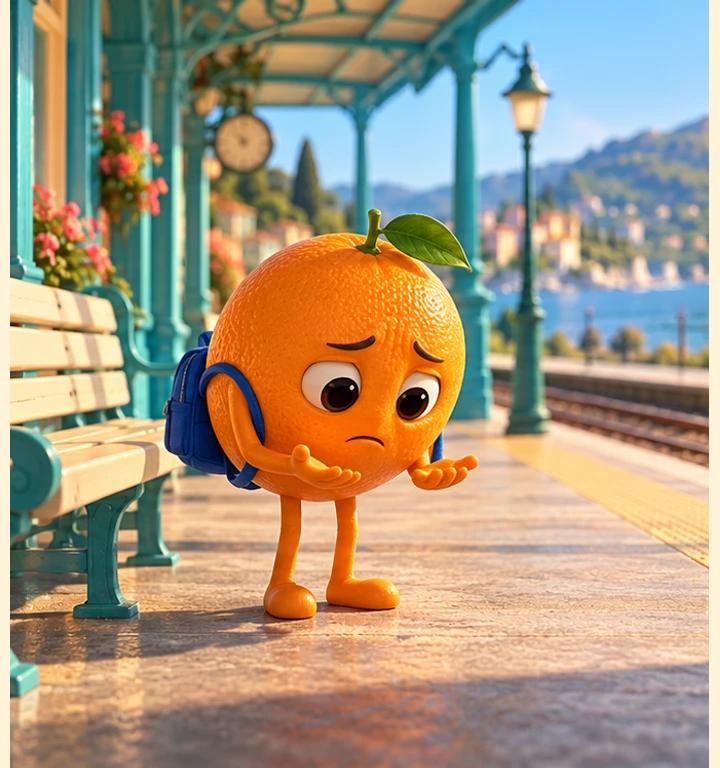
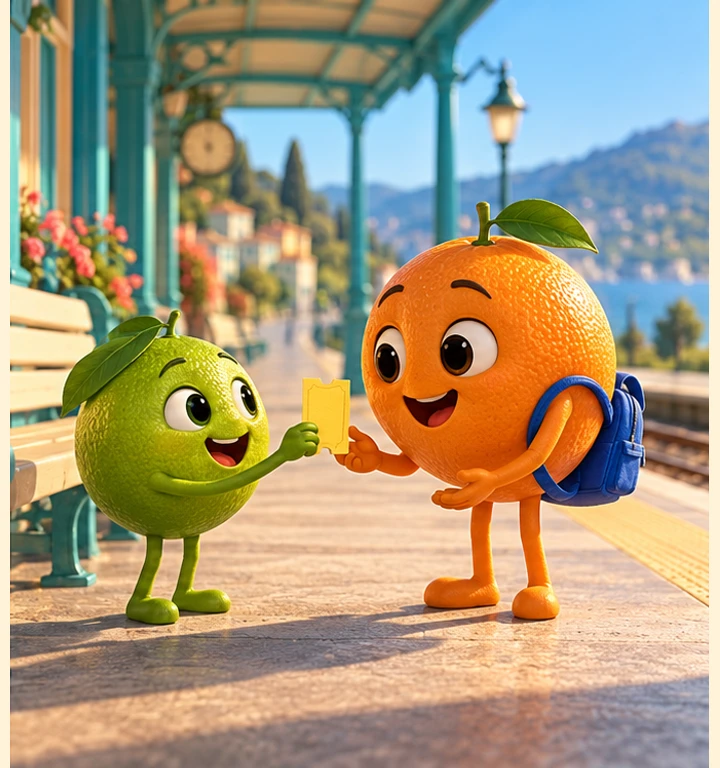
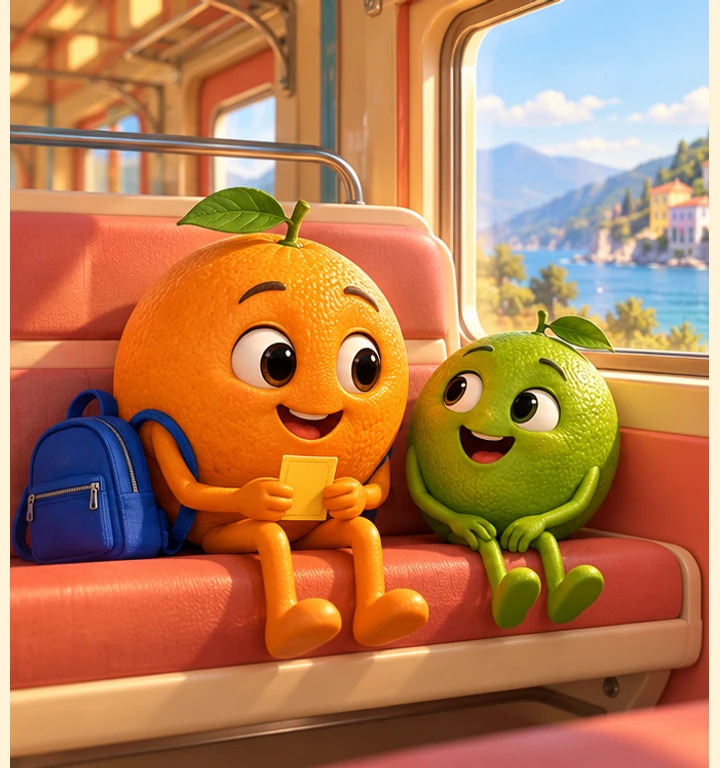
Orange reached the platform with a backpack and no ticket. Lime found the missing ticket beside the bench and hurried over. When the train arrived, Orange saved a seat for a new friend.
There is no need for an elaborate backstory to make this small problem understandable. The empty hands establish what is missing, the handoff supplies a visible action and the shared seat supplies an ending. A different episode can use a missed bus, an oversized suitcase or a forgotten umbrella while keeping a similarly clear cause and resolution.
Write a character and prop record
| Element | Fixed details in this exercise | Why it matters |
|---|---|---|
| Orange | Round orange body, leaf, cobalt backpack | Recognizable lead across scenes |
| Lime | Smaller green body, no bag | Distinct companion with a clear role |
| Ticket | One yellow travel ticket | Connects the problem with the resolution |
| Location | Turquoise platform, cream bench, coral train | Supports the transition into the carriage |
Keep that record beside the accepted reference. Body color alone may not distinguish two characters in a crowd, so use a restrained accessory or size difference. Too many accessories create more details to preserve and can distract from the action you need to communicate.
Prompt the scenes around an action
Keep the character descriptions fixed while changing the scene beat. A useful scene request names who acts, what object changes hands and which setting remains the same. These original prompts are starting briefs, not guaranteed model settings.
- Problem — Orange stands beside a cream bench on a turquoise train platform, looking at empty hands. Keep the cobalt backpack visible and the frame clear of other characters.
- Help — On the same platform, Lime offers one yellow ticket to Orange. Show both characters and make the ticket and hand positions readable.
- Resolution — Orange and Lime sit together inside a coral-and-cream carriage. Orange holds the ticket, with the cobalt backpack nearby. Keep the shared seat and friendly expressions clear.
Our generated storyboard can be inspected panel by panel: problem still, handoff still and ending still. They were created together as a storyboard and cropped into separate frames. They do not demonstrate that three independent generations preserve identity automatically.
Choose a fruit story generator around the task
For the separate provider and account decision, read our Digen AI workflow guide, which distinguishes current public routes from older credit documentation.
Picsart’s fruit-story tutorial describes building characters and directing scenes. Media.io has a fruit-story template collection, and Digen’s public catalog lists a fruit-story workflow. These are provider descriptions, not a common-input generation test or a verified free allowance.
For a narrated character story in Clout, explore Faceless Studio. For individual scene images and supported animation tasks, explore Image and Video. Clout publishes this guide. The example here was independently generated as still artwork and assembled locally, rather than rendered by those provider video workflows.
Inspect the actual continuity before animating
The orange character and blue bag remain recognizable in our three panels, and the ending shows Orange holding the ticket. However, the ticket outline changes between the handoff and carriage scenes. Its edges need a more exact design reference before a final animation that depends on that prop.
Download the filled observation sheet. It separates visible findings from the next production action. A persuasive expression does not establish that a handoff will animate correctly. If you animate the shot, inspect the whole transfer and check whether the ticket duplicates, vanishes or changes ownership.
Use the animatic to make timing decisions
The sample holds each still for five seconds. That is an authored timing choice, not a model generation duration or measured audience preference. Test whether the missing ticket is understood before the handoff and whether the shared seat has enough time to register as the ending.
The optional text track supplies the story text. No narrator is speaking in this clip. If you record narration, time the actual recording and adjust the holds around it. Add captions from the final spoken version rather than assuming an earlier draft still matches.
Download the assembly source to inspect the crop, resize and timing steps. It uses Bun, Sharp and FFmpeg and does not call an AI model. The source preserves the original panel order and produces a silent sequence. It is an assembly example, not an image-to-video generator.
Reframe deliberately for Shorts Reels or TikTok
The planning sample is nearly square. For a vertical delivery, approve a new composition or carefully reframe each scene rather than stretching the pixels. Keep both faces, the ticket and the relevant hands visible. A crop that hides the offered ticket can remove the cause of the characters’ reaction.
Review the full exported version at the intended viewing size, with captions and sound if present. Check the opening, handoff and final scene again after reframing. File dimensions and a recognizable style do not establish platform performance.
Build the next episode from a changed relationship
For a follow-up, let Lime need help and give Orange the useful action. Keep the character record and accepted references, but write a new problem and resolution. That produces a series with a relationship to follow instead of repeating the same plot with a different fruit skin.
For planning a supported generation task, use the video-agent brief builder. For a longer scene-led project, explore AI Cinema. Review the actual output before expanding the batch; neither a trend label nor an attractive storyboard guarantees views or earnings.