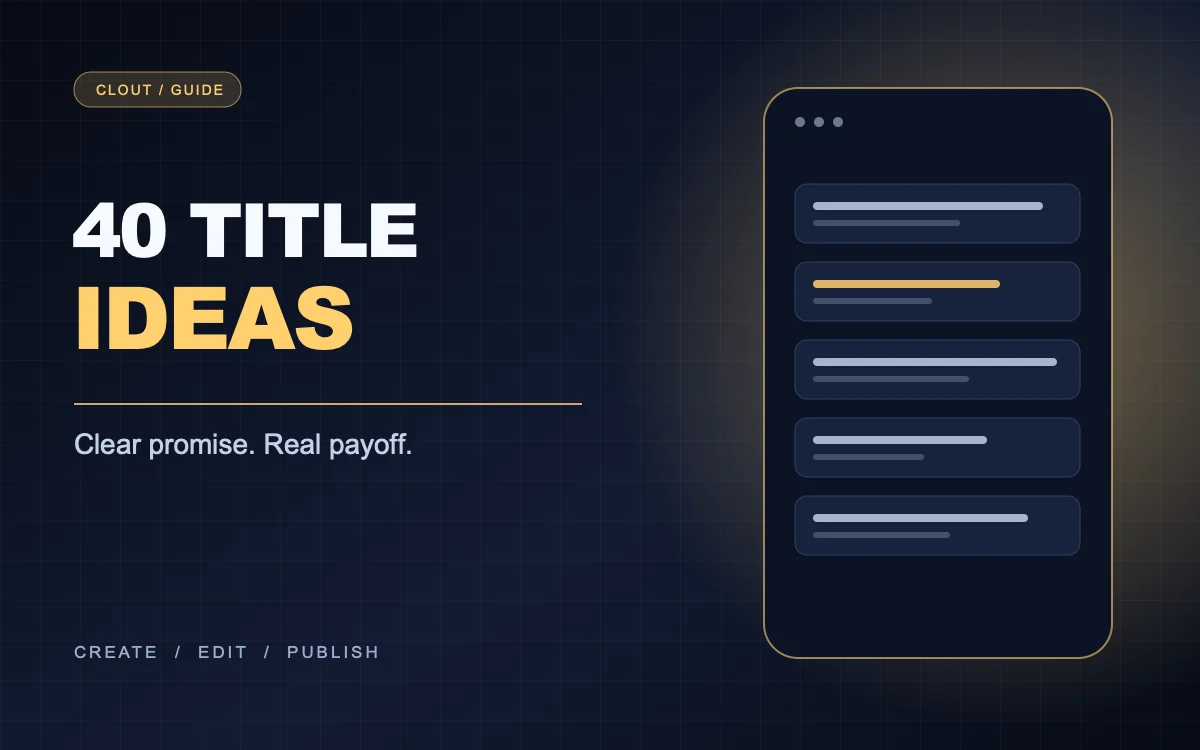
A YouTube title generator can suggest dozens of lines, but most become generic because the prompt lacks the actual video. Start with the thing shown on screen, the viewer's question, and the outcome. The title's job is to set an honest expectation, not manufacture curiosity the Short never resolves.
The title formula
Write [specific object or problem] + [result or decision]. ‘Phone lighting: one change that fixed the glare’ tells viewers more than ‘You won't believe this lighting hack.’ Put the key topic early enough that it survives truncation in search and feeds. YouTube allows titles up to 100 characters, but clarity usually improves when you cut filler. See YouTube's upload details.
Ten tutorial title templates
- How to [specific task] without [common obstacle]
- Fix [specific problem] in [number] steps
- The [tool] setting I change before [action]
- Make [result] with only [materials]
- My fastest way to [specific outcome]
- Stop doing [mistake] when [task]
- One [small change] that improved [visible result]
- From [starting state] to [finished state]
- Build [thing] in [tool]: the first step
- The beginner's checklist for [specific task]
Ten comparison title templates
- [Option A] vs [Option B] for [specific use]
- Which [tool] works better for [constraint]?
- I tested [two methods] on the same [object]
- Cheap vs expensive [item]: what changed?
- [Method] or [method]? Start here
- The tradeoff between [benefit A] and [benefit B]
- Same [product], two [setups]
- What [option A] does better than [option B]
- When to choose [tool] over [tool]
- Before you buy [item], compare [factor]
Ten story title templates
- I thought [assumption] until I saw [evidence]
- The message that changed this [project]
- Why my first [attempt] failed
- What happened when I removed [variable]
- The hidden step behind [result]
- I rebuilt [thing] after [specific problem]
- This [customer question] exposed [issue]
- From [mistake] to [fix] in one edit
- The result surprised me because [reason]
- What I learned from [real experiment]
Ten faceless channel title templates
- Hands-only: making [specific thing]
- Screen tutorial: [result] in [tool]
- Watch [process] from start to finish
- The [object] detail most people miss
- One minute inside [real workflow]
- How [object] changes after [action]
- [Number] ways to use [product]
- Behind the scenes of [specific task]
- What is inside [kit or product]?
- Can [method] solve [specific problem]?
Generate titles from a real Short
Take a faceless video about removing glare from a product photo. The object is a glass bottle; the result is a readable label. Five usable variants: ‘Fix glare on a glass bottle photo,’ ‘One white card made this label readable,’ ‘Glass bottle lighting: before and after,’ ‘Why your product label disappears on camera,’ and ‘I moved one light to fix bottle glare.’ Choose the one the video proves most clearly.
Pair the title with a cover and first frame that deliver the same promise. For more concepts to title, use 25 faceless Reel ideas, then adapt the format to YouTube Shorts.