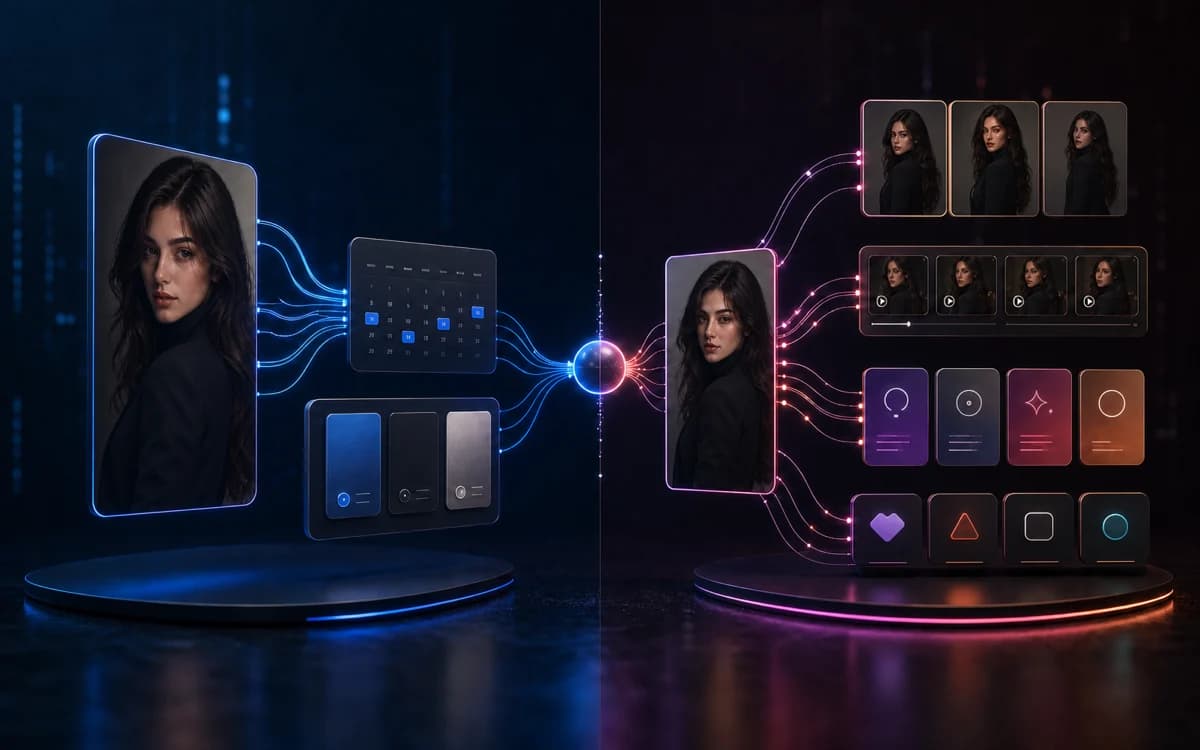
DirtyBunny versus Clout is a workflow decision. Both describe tools for creating a recurring AI influencer. The meaningful differences are how you fund work, which adjacent formats you need and how your accepted reference moves into the next production step. Neither product’s sample gallery proves that your tenth asset will preserve the same identity.
This comparison is published by Clout. We use DirtyBunny’s official public pages and disclose where a fact is documented versus where you need a test. If you only want DirtyBunny’s prices and motion rates, use the DirtyBunny review and credit calculator.
Verified workflow differences
| Decision | DirtyBunny | Clout |
|---|---|---|
| Creative starting point | Influencer appearance builder and saved looks | AI influencer workflow for an original creator |
| Adjacent formats | Advertised image edits, scene changes and video modes | Separate faceless-video and cinema entry points alongside influencers |
| Billing choice | Public one-time packs from $3, plus optional monthly plans | Current Clout pricing applies to its own workspace and credit system |
| Motion transfer | BunnyFlow form quotes per-second rates by resolution | Creator video and motion workflows; inspect the selected operation’s quote |
| Identity reuse | Saved influencer looks and reference-image controls are documented | Reusable creator persona as a production starting point |
| Proven output winner | No controlled benchmark established here | No controlled benchmark established here |
DirtyBunny’s influencer builder and homepage substantiate its persona and tool descriptions. Its pricing and BunnyFlow form substantiate billing and motion quotes. Current capabilities can change; open the intended mode before making a purchase decision.
Who should shortlist DirtyBunny?
Shortlist DirtyBunny if you want to try a specific image operation with a small one-time pack, or if BunnyFlow’s reference-plus-motion form matches an existing brief. Its public builder saves influencer looks, so it should not be dismissed as incapable of creator continuity.
The unresolved question is whether that continuity meets your acceptance threshold. Pick a fictional adult persona, then vary an angle, lighting setup and product-handling pose. If those frames fail the brief, the presence of a Save button has not solved the production problem. Track what is actually approved before buying a larger balance.
Who should shortlist Clout?
Shortlist Clout if you want a creator workflow alongside faceless episodes or cinema work. Start from the product entry point that matches the deliverable instead of treating every generated clip as the same format. A creator demonstration, narrated faceless video and cinematic scene have different audio, framing and continuity requirements.
For an influencer, write the intended personality, visual traits and first three posts before building assets. For narration-led content, define the explanation and supporting scenes. For a cinematic sequence, define the shot and ending. Clout’s broader navigation is useful only if those workflows remove work you actually need to do.
Compare spend without equating credit currencies
DirtyBunny’s public image options show 8, 12 and 16-credit charges. BunnyFlow uses per-second motion rates. Clout’s credits belong to a separate pricing system. Comparing “500 credits” with another balance therefore says nothing reliable about how many equivalent assets you can finish.
Use actual spend ÷ approved assets for an observed production comparison. Keep attempts and repairs in the numerator, and count only publishable results in the denominator. If no output passes the brief, report zero accepted assets instead of inventing a favorable average.
A hypothetical batch that costs $6 and yields three approved assets has a $2 approved-asset cost. A $4 batch with one usable result costs $4 per approved asset. This demonstrates the calculation; it is not a measured result for either product. Keep revision time beside spend so the nominally cheaper tool does not hide hours of cleanup.
A fair brief for both studios
- Reference: one original adult identity or a consented reference, with three facial traits and the clothing that must remain stable.
- Image deliverables: a front-facing portrait, a three-quarter view, a different setting and a product-handling image.
- Motion deliverable: a simple short action from an accepted still, with the intended crop and resolution specified.
- Acceptance: recognizable identity, accurate product, usable hands, readable text where needed and a stable ending.
- Log: quoted cost, attempts, approved results and minutes spent repairing each result.
Use the same creative brief, but record controls that cannot be matched between products. Equal prompts alone do not create equal experiments when one mode changes resolution, reference behavior or duration. Our same-character guide helps define visible identity checks.
What transfers when switching?
Keep your written persona brief, authorized original references and permitted exported assets organized outside any studio. A vendor’s saved look, proprietary settings or remaining credits should not be assumed portable to another product. Rebuild the identity from the approved source material and recheck the first batch after a switch.
Use a non-confidential small test before moving a client project. Preserve the old sources until the new workflow has produced usable exports. Publishing, payment and audience accounts are separate from generating a character; this comparison claims no automatic migration of those systems.
Which should you choose?
Choose the product whose verified operation, billing and workflow finish your actual brief with acceptable review effort. DirtyBunny’s small packs and documented motion form are concrete reasons to test it. Clout’s influencer, faceless-video and cinema entry points are concrete reasons to evaluate a broader production workflow.
For a Clout starting brief, read how to create an AI influencer. For another pack-based multi-model studio, compare the separate PixelBunny review. Run the small batch before deciding that any studio is the best DirtyBunny alternative for your work.