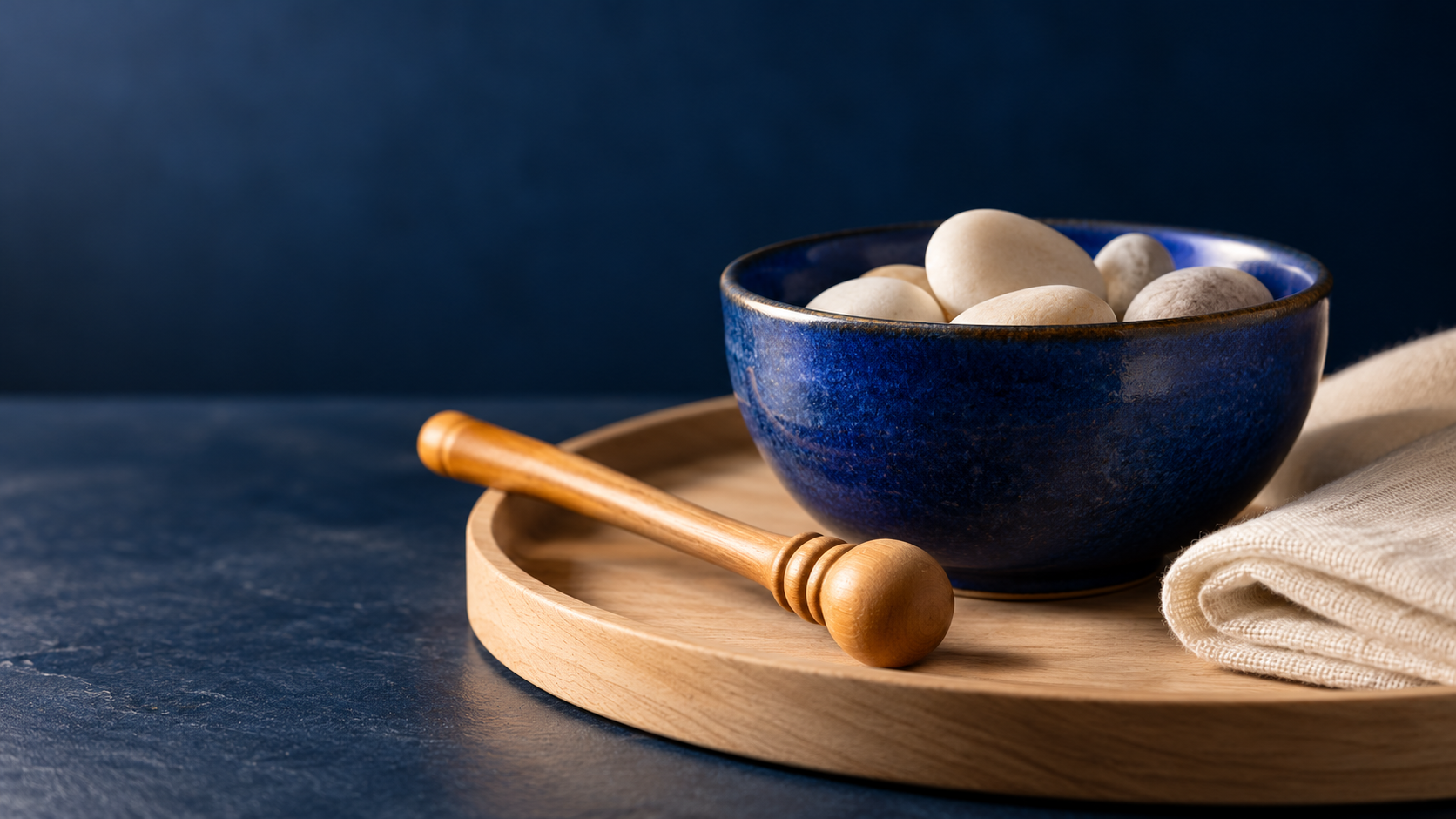
An AI ASMR video generator needs to solve two related jobs: make a readable visual action and produce the sound you expect at the right moment. A glossy macro image alone is not a finished sound-led video. Start with a small repeatable action, then test picture, audio and timing together.
This guide uses an original cobalt-bowl concept: three light contacts from a wooden tapping stick, quiet gaps and a stable close-up. The image is a practice reference, not a frame from a completed generation. The playable timing track below is synthetic, with its source available. Neither asset demonstrates a paid Higgsfield output.
For a separate chronological prompt exercise with explicit sound and native frame arithmetic, read our LTX 2 prompt guide. Its examples are proposed prompts rather than generated results.
Choose the kind of ASMR video you want
| Format | Picture priority | Sound priority |
|---|---|---|
| Object sounds | One clear contact or movement | Audible material, attack and decay |
| Whispering | Stable character framing and readable mouth | Exact words and controlled articulation |
| Product-led scene | Recognizable item and believable handling | Product interaction separated from sales dialogue |
| Satisfying loop | A repeatable visual event | Deliberate rhythm and a clean loop boundary |
For a first test, choose one of these. Asking for whispers, slicing, pouring, music and a rapid camera orbit together makes a weak result harder to diagnose. A smaller brief lets you identify whether the problem is the image, motion, generated sound or the edit.
How to start Higgsfield ASMR Classic
 The ASMR Classic page inspected October 17 showed one image input accepting PNG, JPG or clipboard paste, a text area with the prompt “What should your character say?” and Generate Video. Its description positions the app around whispering and sounds with a retained uploaded image. We did not upload or generate, so we have not verified that preservation claim.
- Prepare the character image you are authorized to use.
- Open ASMR Classic and add it through Upload Image.
- Put the intended spoken words in the speech field.
- Check the current account requirement, selected operation and displayed charge.
- Generate only after those details match your intended test.
- Listen to and watch the entire downloaded result.
The observed entry did not expose a general shot-direction box or separate sound-design controls. Do not paste the full production brief into a field meant to be spoken aloud. If your goal is an object-only tapping sequence, choose an editor or model with suitable scene and audio controls, or finish the approved picture with a separate sound edit.
Need a separate creator image plus an item reference? The Higgsfield ASMR Add-On and product-placement guide covers that different input structure. It should not be treated as the same app as ASMR Classic.
Use the free ASMR prompt builder
The builder above separates subject, action, sound and exact spoken words. Object-sound mode omits the saved whisper script. Whisper mode includes it in a distinct section. Download the text, revise it and place each part only in a control that accepts that kind of instruction.
The proposed duration and three cue times are planning choices, not supported settings promised by every model. Confirm the actual editor's options before submission. The builder neither calls a provider nor returns a generated video, and its draft disappears on reload unless downloaded.
Start with a tactile reference that is easy to inspect
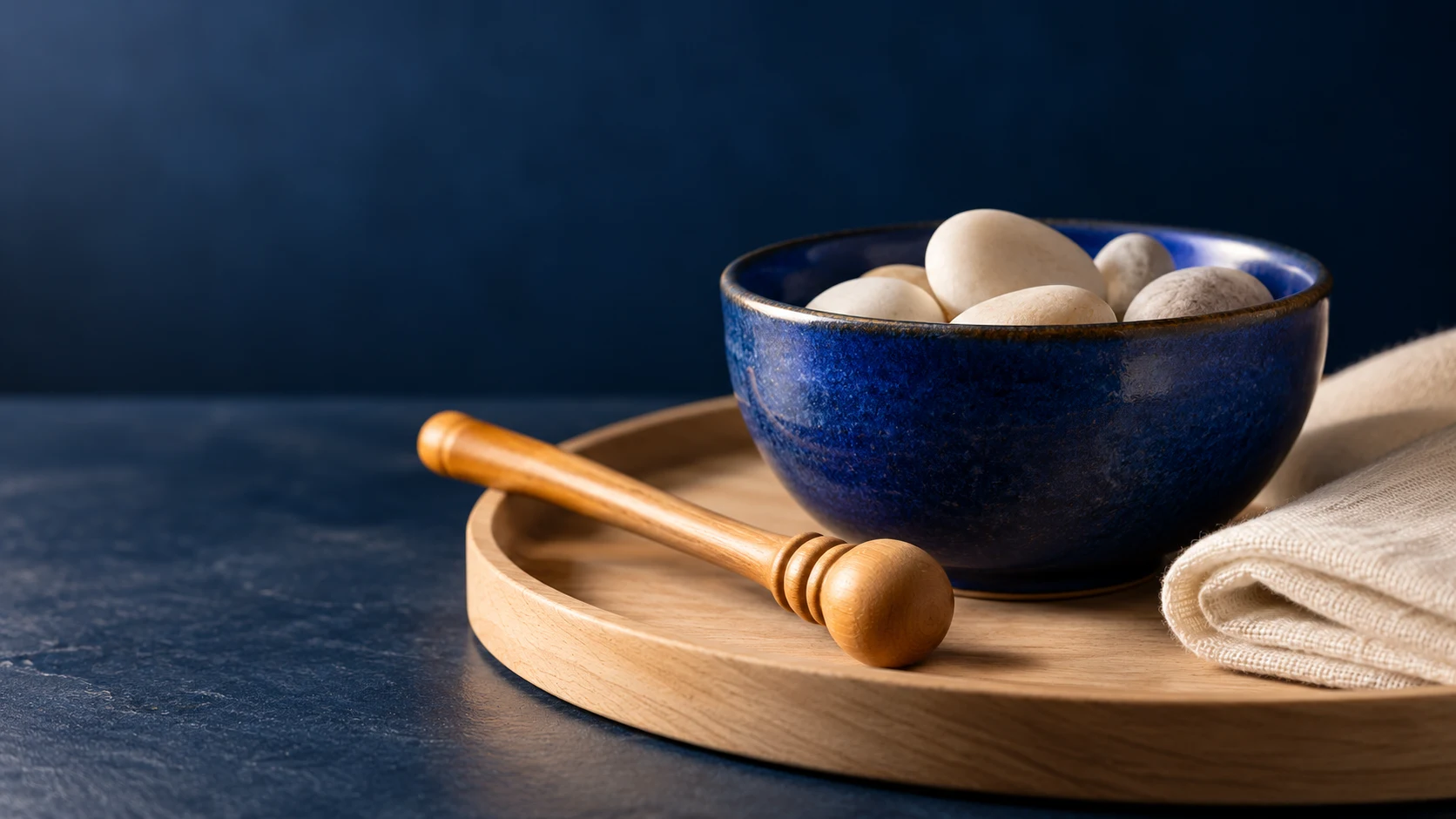
Download the original practice image
The bowl rim, stick tip and material textures give the action specific anchors. For the planned take, keep the rim visible and the contact area inside the crop. The still contains no hand and demonstrates no movement. If a later video introduces a hand, inspect its grip, fingers and contact point rather than assuming motion follows automatically from this reference.
A visually attractive result can still feel disconnected when the stick floats above the ceramic or the impact is heard before contact. Before polishing color or sharpness, make the physical action readable.
Describe the sound as carefully as the picture
One continuous close-up of a cobalt ceramic bowl on a pale wood tray. A wooden tapping stick makes three light contacts with the rim, with clear pauses between them. Keep the bowl shape, light and camera stable. Three soft, dry taps follow the visible contacts, with short decays and low room tone. No speech or background music. Review every contact and the final sound tail before accepting the take.
This is an original proposed direction, not a transcript of a tested result. Use it only where scene and audio instructions are supported. A sound brief can name material, intensity, rhythm, decay and ambience. “Make it satisfying” leaves all of those decisions open.
| Vague direction | More inspectable direction |
|---|---|
| Nice sounds | Three light contacts with short decays and quiet gaps |
| Realistic motion | Stick tip touches the rim without passing through it |
| Relaxing camera | Stable close-up with no cuts or sudden reframing |
| Perfect loop | Last pose and sound tail join the first frame without a jump |
Listen to the six-second timing exercise
The following original WAV contains three synthesized cues beginning at 1, 3 and 5 seconds. Each combines 720 Hz and 1170 Hz decaying tones with a short attack. It is a timing reference, not a recording of ceramic, a generated ASMR soundtrack or a clip synchronized to the still image.
Download the six-second cue track · Download its original TypeScript renderer
The file is 24 kHz mono PCM16. Use the gaps to plan the intended contacts, then replace this illustrative track with sound appropriate to the real take. The builder can plan other durations; this downloadable reference always lasts six seconds.
Review the actual audio stream and timing
Begin with the exported file. A player can show moving pictures while its audio is muted, absent or routed elsewhere. First check the player, device and selected stream. FFprobe can list audio-stream details from your own file:
ffprobe -v error -select_streams a -show_entries stream=codec_name,sample_rate,channels,duration -of json output.mp4A reported stream is not proof of audible sound, good synchronization or a pleasant result. Listen at a comfortable level, compare each visible contact with its audible onset and watch the whole take. An impact with a slow swell may be the wrong sound even if the file is technically valid. For file-level inspection, use the Higgsfield Audio guide and local export checker.
Fix one failure at a time
| Observed failure | Next test |
|---|---|
| Sound but no visible contact | Simplify the action and keep the interaction in frame |
| Floating or merged stick | Repair the source or choose a more readable angle |
| Impact arrives early or late | Mark actual onset and contact before adjusting the sound edit |
| Unwanted voice or music | Use a no-speech brief where supported and review the audio |
| Image changes across the take | Return to accepted identity and object references |
| Loop clicks or jumps | Review the ending pose, silence and decay against the beginning |
Keep rejected outputs with the brief and a short reason. Change one important requirement per test so you can understand what improved. A coherent three-contact take is a better starting point than a longer clip that hides errors behind cuts.
Plan a publishable short
Check the intended crop on a phone. Keep the interaction readable, avoid hiding the sound trigger behind captions and compare the full export at the size you will publish. Retain your original image, submitted instructions and final audio file. Review the actual account terms, rights and charge before scaling a workflow.
For a recurring creator, start with an original character in Clout and build coordinated visual references. Select the video and audio workflow around the result you need; this guide does not claim Clout duplicates ASMR Classic's interface.