

Choose the podcast output before the tool
An AI podcast maker can mean three different things: an audio discussion generated from source material, a spoken version of your own script, or a short video with an AI host. Decide which file you need before choosing a workflow. A convincing studio shot does not prove that a product can produce a complete, editable audio episode.
For a source-based episode, begin with material you can check. For a scripted show, keep control of the spoken text. For a social teaser, choose one complete idea from the episode and create a short visual treatment around it. Each route needs a different review.
| Your starting point | Workflow | Review first |
|---|---|---|
| Documents or an article | Source-grounded audio discussion | Claims and omissions against the sources |
| An approved spoken script | Voice generation and audio editing | Pronunciation, pacing and speaker turns |
| A recorded episode | Select and edit a promotional excerpt | Whether the excerpt retains its original meaning |
| A short host announcement | Original host video with approved dialogue | Spoken words, face continuity and caption placement |
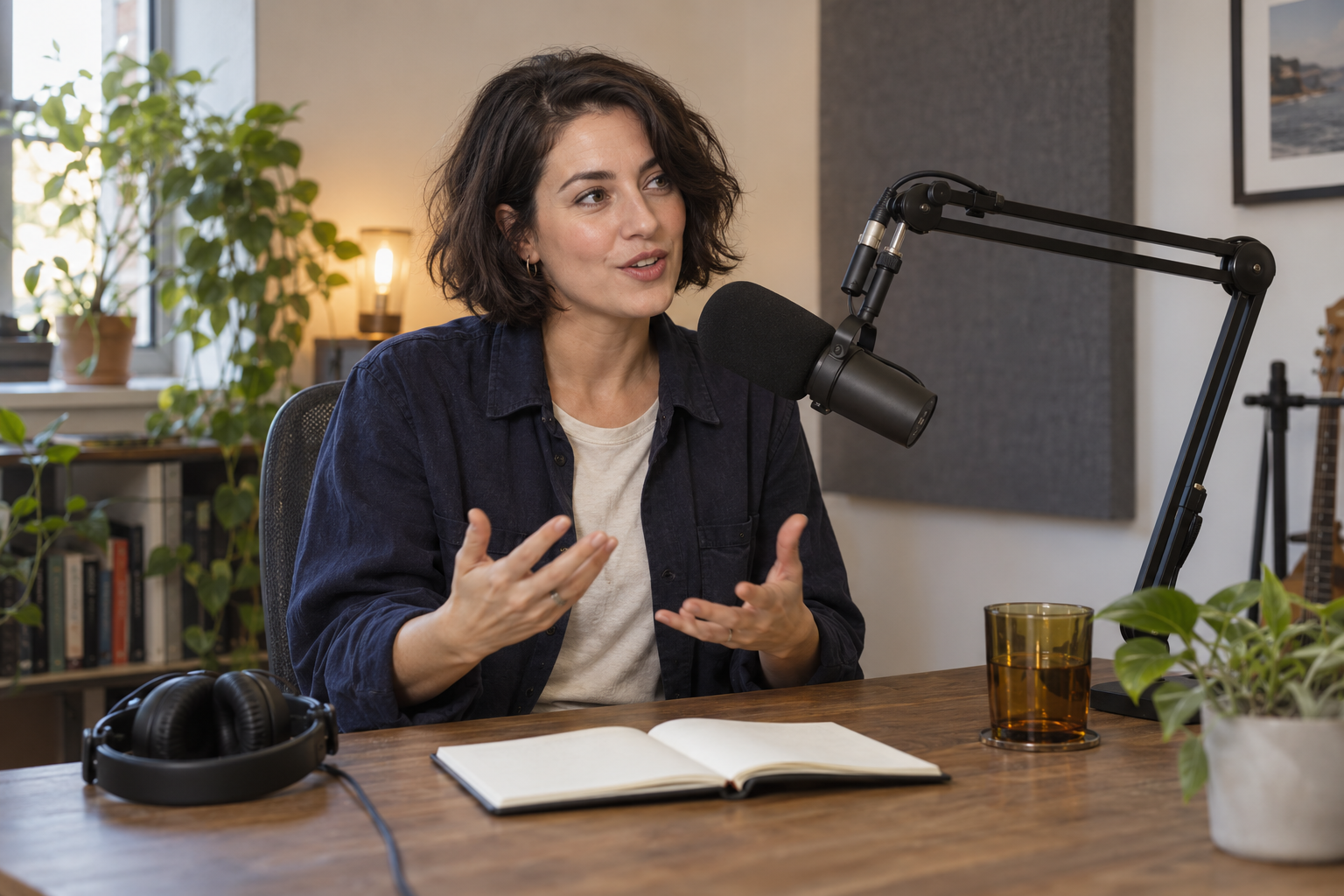
Download the native podcast host scene · Download the episode and clip review sheet
This artwork is an independently generated composition reference. It illustrates the framing for an original host and is not a finished video, audio recording or application screenshot.
Make an audio episode from source material
ElevenLabs documents GenFM in Studio through Audio, Workflows and Generate a podcast. It accepts uploaded documents, a URL or an existing project. The documented choices include a host-and-guest conversation or a shorter host bulletin, voices, language and focus topics. Review and edit the generated text before exporting the audio. These are documented controls rather than results from a benchmark in this guide.
That script checkpoint matters. A source may explain a product limitation carefully while a generated conversation turns it into a confident recommendation. Compare names, numbers, qualifications and examples with the actual source. Delete invented firsthand experiences and rewrite a sentence that gives a stronger conclusion than the evidence supports.
Google’s Audio Overview help describes discussions of uploaded sources, selectable formats and instructions for topic focus. It also documents downloading the audio and the possibility of inaccuracies or audio glitches. Use that route when the useful output is an explanation of your material, then listen to the entire file before treating it as publishable.
Use your own script when the wording matters
If you have already approved a script, avoid sending it through a workflow whose purpose is to invent a new discussion. ElevenLabs’ linked instructions distinguish that case from GenFM: an empty audio project, narration project or script import is appropriate for an existing script. Keep a version of the exact approved text beside the audio export.
Write for speech rather than copying a blog paragraph verbatim. Put one idea in each sentence. Introduce an unfamiliar acronym before repeating it. Say the unit alongside a number, and read the draft aloud to find awkward turns. Give each speaker a useful role; a second voice should ask a real clarifying question instead of repeating agreement.
A worked original episode brief
Here is an original planning example for a creator show about product photography. It is a draft script, not a recording or a fabricated interview. The premise is a short conversation about how to keep a product recognizable across a campaign set.
Host: Why do campaign photos sometimes look polished but still feel inconsistent?
Guest: Often the scene changes more than the product brief allows. The lighting moves, the label changes or the object shape drifts.
Host: What would you check first?
Guest: Put the source beside the exported image. Compare the silhouette, visible markings and color before deciding whether the new setting works.
Host: So the approval step comes before the next scene?
Guest: Exactly. Keep one accepted reference and record what may change. A new background can be useful; a different product is a rejected variation.
The guest is a fictional scripted speaker. The example explains a review process without inventing research results, customer testimonials or personal credentials. For your episode, replace the topic with a claim you can support and keep the source of that claim in your notes.
Turn one episode idea into a host clip
A promotional clip needs a clear opening and a payoff that fits the clip. For the example above, use the host’s question and the first practical answer. Keep the source comparison in the visual treatment so the viewer can understand the point without seeing the complete episode.
Write the spoken lines before generating a host scene. Approve the character reference, wardrobe, camera angle and setting. Choose a restrained gesture that matches the dialogue. A short clip with a stable face and comprehensible words is more useful than a busy studio scene whose mouth and hands distract from the point.
Higgsfield’s official podcast page separates short talking-host videos from full episodes and describes turning an existing episode into vertical clips. That distinction is useful when comparing an AI podcast video generator with an audio maker: test the exact format you need rather than assuming a shared product name means the same output.
Review captions as part of the finished composition
Add captions after the spoken track is approved. Use short phrase groups and check them against the audio rather than blindly trusting a transcript. Keep the words inside a comfortable safe area, clear of the speaker’s mouth and important scene details. Review the final vertical crop on a phone because a readable desktop caption can still feel crowded in a feed.
Center placement can work well for a short teaser with a deliberately empty middle area. It is not automatically the right placement for a close-up face or a product demonstration. Choose the caption position from the actual composition, then preview every line for clipping and competing information.
Compare AI podcast tools using one approved brief
Give each candidate the same source material or approved dialogue. Record what you can edit before export, whether speaker assignments survive, which file types download, and the time needed to repair one accepted result. Listen for changed words, clipped endings, inconsistent loudness and unnecessary pauses. For a host video, also check lip movement, identity and the exported crop.
Separate a free preview from a usable download. Check the current account requirements, export quality, usage rights and any watermark before committing the episode to a publishing schedule. Keep the original files and project notes so a revision does not require reconstructing the whole brief.
Publish an episode rather than only a preview
After approving the audio, choose a podcast host or your supported publishing workflow and upload the final episode with its title, description and show artwork. Verify the actual episode playback from the public destination. A file on your computer and a short social teaser do not establish that listeners can subscribe to the show.
Apple’s RSS feed requirements describe a publicly reachable feed with required tags, artwork and at least one episode. Its technical guidance includes unique episode enclosure URLs and stable identifiers, and hosting support for HEAD and byte-range requests. Use the hosting provider’s feed validation and resolve reported problems before submission. The directory feed is a separate deliverable from an AI-generated audio export.
Keep an editorial version of the script, the approved audio and the promotional clips together. If a source correction changes a claim, revise the episode and any teaser that repeats it. Write show notes that help a listener find the original material rather than making the generated dialogue the only source.
Use the worksheet for an actual export review
The downloadable CSV contains six review areas with blank fields for the source or brief, export observation, decision and revision notes. Use one copy for each candidate export. Start by checking the script against the sources, then listen for pronunciation and pacing. For a host clip, inspect identity, mouth movement, captions and the final crop. The blank sheet records your review; it does not imply that this article’s planning example passed a production test.
Build a recognizable host for your next clip
Create an original AI character in Clout and build your host photos and videos around that identity. Use your approved episode idea as a short scene brief, then review the generated performance and add the final captions in your editing workflow. Keep the host reference and accepted visuals together across your promotional set.
Create my podcast host in Clout


